Nowadays building an app no longer needs coding skills, big budgets, or long development time. No-code app builders have changed the way ideas turn into real products.
Whether you are a startup founder, a small business owner, or someone with a great idea, no-code tools make app creation simple and exciting. With just drag-and-drop features, you can design, build, and launch apps faster than ever.
But with so many no-code platforms available, choosing the best one can feel confusing. In this blog, we’ll explore and help you find the best option to bring your app idea to life
Best No Code App Builders
- BubbIe: Best for Building Powerful Web Apps Without Code
- Adalo: Best No-Code Builder for Native Mobile Apps
- FlutterFlow: Best For Visual builder with full code export
- Glide: Best For Turns spreadsheets into professional business apps
- Airtable: Best For Relational database with visual interface designer
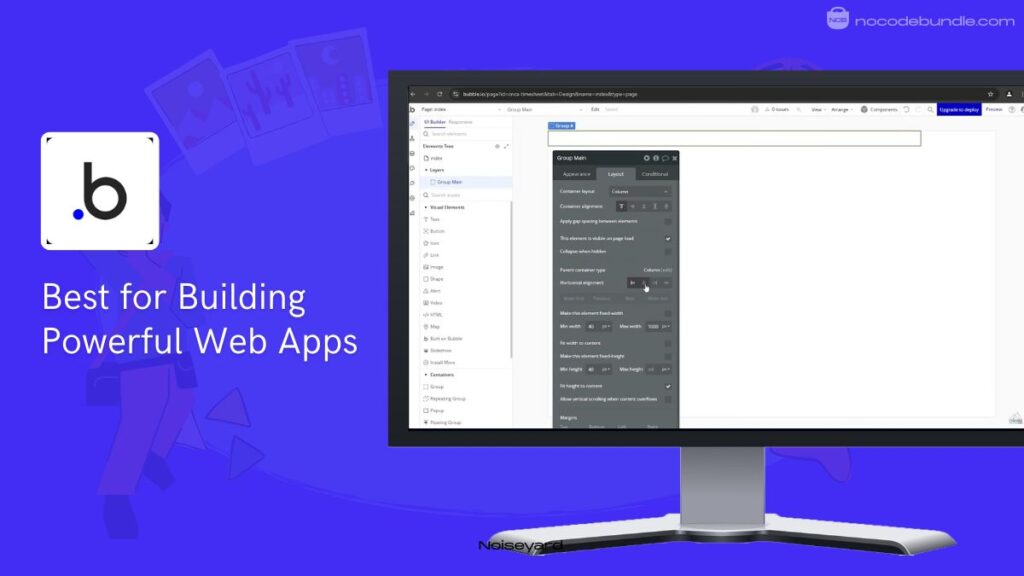
1.Bubble: Best for Building Powerful Web Apps Without Code

Bubble.io is a powerful platform that lets you build full-stack web applications without writing code. Unlike simple website builders, it allows you to create data-heavy apps, meaning your app can handle complex tasks like processing payments, managing user data, and triggering automated workflows.
It uses a drag-and-drop editor to help you design pixel-perfect interfaces that look professional on any screen. If you want to launch a business idea or a custom tool quickly, Bubble provides the database, hosting, and design tools all in one place, making it ideal for non-technical founders.
✅ Pros
❌Cons
- Build complex logic without code.
- Total control over app design.
- Includes built-in database and hosting.
- Connects easily to other services.
- Fastest way to launch MVPs.
- Steep learning curve for beginners.
- Costs increase with high usage.
- Cannot export your app’s code.
✅ Pros
- Build complex logic without code.
- Total control over app design.
- Includes built-in database and hosting.
- Connects easily to other services.
- Fastest way to launch MVPs.
❌Cons
- Steep learning curve for beginners.
- Costs increase with high usage.
- Cannot export your app’s code.
Best Subscription Plan Recommended for Bubble
The Starter Plan at $59/month (billed monthly) is the best choice for launching your first web app. It includes a custom domain, 175,000 monthly “Workload Units” (credits for app actions), and Unlimited OTAs(Over-The-Air updates).
Stand Out Feature of Bubble:
Bubble recently launched its AI Agent, which acts as a co-developer. You can now use plain English prompts to generate entirely new pages, create database types, or fix workflow errors automatically. This evolution highlights the growing power of the No-Code AI App Builder as it handles the technical setup while you maintain full visual control.
Bubble is recommended for 👍
Not recommended for 👎
- Building complex, data-driven web apps.
- Non-technical founders launching startups.
- Creating custom internal business tools.
- Simple, static one-page websites.
- High-performance 3D gaming apps.
- Apps requiring offline-first functionality.
Bubble is recommended for 👍
- Building complex, data-driven web apps.
- Non-technical founders launching startups.
- Creating custom internal business tools.
not recommended for 👎
- Simple, static one-page websites.
- High-performance 3D gaming apps.
- Apps requiring offline-first functionality.
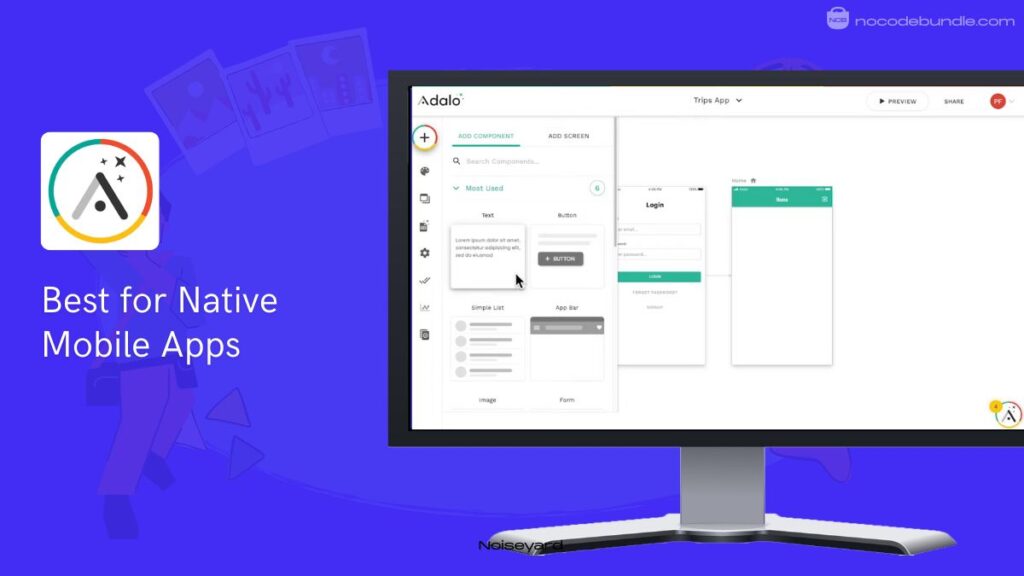
2.Adalo: Best No-Code Builder for Native Mobile Apps

Adalo is a visual app builder that works much like a slide deck. It allows you to create mobile and web applications by placing components like buttons, lists, and forms onto a canvas.
Adalo includes a built-in database to store user info and link actions together. Its biggest strength is its mobile-first approach, making it easy to turn your project into a real app for iPhones and Android devices.
It is ideal for entrepreneurs who need to launch a working prototype quickly to test their business ideas.
✅ Pros
❌Cons
- Simple drag and drop editor.
- Publishes directly to mobile stores.
- Pre-made templates save design time.
- Connects easily to external data.
- Friendly for complete non-technical users.
- Performance slows with large data.
- Limited design and logic choices.
- Monthly costs increase with usage.
✅ Pros
- Build complex logic without code.
- Total control over app design.
- Includes built-in database and hosting.
- Connects easily to other services.
- Fastest way to launch MVPs.
❌Cons
- Performance slows with large data.
- Limited design and logic choices.
- Monthly costs increase with usage.
Best Subscription Plan Recommended for Adalo
The Professional Plan at $65/month is the best choice for serious creators. It allows you to publish two apps to the Apple and Google app stores. This plan includes All Starter Features, 25GB of data storage, and the ability to use your own custom web domain.
Stand Out Feature of Adalo:
Adalo recently added Magic Start and MagicAdd, an AI tool to speed up setup. Instead of manually creating tables, you just type what your app does. The AI then automatically builds the necessary data collections and relationships for you, saving hours of backend configuration for new users.
Adalo is recommended for 👍
Not recommended for 👎
- Building simple mobile-first startup MVPs.
- Creating internal company directory tools.
- Fast prototyping of business ideas.
- High-performance apps with heavy data.
- Complex web-based software platforms.
- Apps requiring deep custom coding.
Adalo is recommended for 👍
- Building simple mobile-first startup MVPs.
- Creating internal company directory tools.
- Fast prototyping of business ideas.
not recommended for 👎
- High-performance apps with heavy data.
- Complex web-based software platforms.
- Apps requiring deep custom coding.
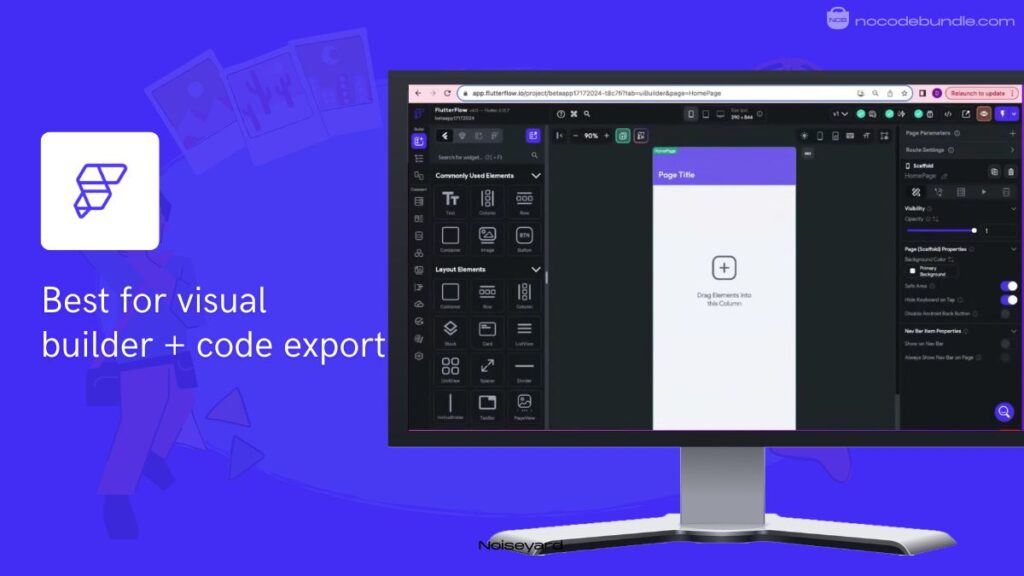
3.FlutterFlow : Best For Visual builder with full code export

FlutterFlow is a professional-grade app builder that uses the Flutter framework to create native mobile and web applications. It lets you build complex interfaces by dragging and dropping widgets while creating clean, production-ready code. It includes a visual logic builder that lets you manage how your app behaves without writing scripts.
The platform handles tasks from user login to payments and database management. Its biggest advantage is the freedom it gives; you are never locked into the platform because you can download your source code at any time to host it elsewhere.
✅ Pros
❌Cons
- Export clean Flutter source code.
- Connects with Google Firebase easily.
- Supports high-performance native mobile apps.
- Large library of pre-built widgets.
- Multi-language support for global users.
- Higher learning curve than competitors.
- Requires external database setup knowledge.
- The free version has limited features.
✅ Pros
- Export clean Flutter source code.
- Connects with Google Firebase easily.
- Supports high-performance native mobile apps.
- Large library of pre-built widgets.
- Multi-language support for global users.
❌Cons
- Higher learning curve than competitors.
- Requires external database setup knowledge.
- The free version has limited features.
Best Subscription Plan Recommended for FlutterFlow
The Growth Plan at ₹2,650/month (first seat) is the best choice for launching professional apps. It lets you download source code and APK files, publish to a custom domain, and use one-click localization to app stores. This plan also includes version history and real-time collaboration for your team.
Stand Out Feature of FlutterFlow :
FlutterFlow recently launched AI Page Gen, a tool that builds entire app screens from a text description. You simply type the type of page you need, and the AI creates the layout and structure immediately.Features like this, combined with code export and database flexibility, are key factors that make a no-code app builder effective for professional developers and startups alike.
FlutterFlow is recommended for 👍
Not recommended for 👎
- Building high-performance native mobile apps.
- Developers want a visual head start.
- Apps requiring full code ownership.
- Simple one-page personal websites.
- Users unwilling to learn technical basics.
- Projects with zero budget for hosting.
FlutterFlow is recommended for 👍
- Building high-performance native mobile apps.
- Developers want a visual head start.
- Apps requiring full code ownership.
not recommended for 👎
- Simple one-page personal websites.
- Users unwilling to learn technical basics.
- Projects with zero budget for hosting.
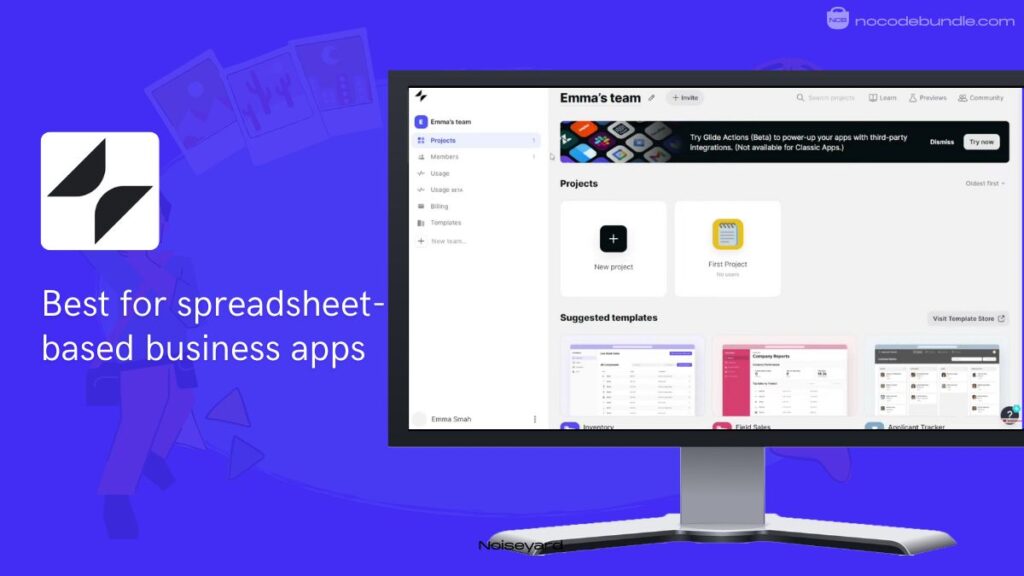
4.Glide: Best For Turns spreadsheets into professional business apps.

Glide is a no-code tool that builds apps directly from data sources like Google Sheets, Excel, or Airtable. It works by looking at rows of information and creating a mobile or web interface for you.
Other builders where you start with a blank screen, Glide is data-first. This means you focus on your information while the platform handles the design. It is perfect for teams that need internal tools like inventory trackers, customer lists, or project portals. Because it creates Progressive Web Apps, your team can install them on their phones using a simple link.
✅ Pros
❌Cons
- Fast setup using existing spreadsheets.
- Apps look professional by default.
- Updates sync with your data.
- Includes powerful built-in AI tools.
- Very easy for beginners to learn.
- Not for the Apple App Store.
- Limited custom design and layout.
- Higher cost for business features.
✅ Pros
- Fast setup using existing spreadsheets.
- Apps look professional by default.
- Updates sync with your data.
- Includes powerful built-in AI tools.
- Very easy for beginners to learn.
❌Cons
- Not for the Apple App Store.
- Limited custom design and layout.
- Higher cost for business features.
Best Subscription Plan Recommended for Glide
The Business Plan at $199/month (billed yearly) is the best choice for scaling operations. It offers unlimited apps, 30 business users, and 5,000 monthly updates. This plan includes features like the Glide API, Workflows, Call API, and express support to keep your business running without interruptions.
Stand Out Feature of Glide:
Glide recently introduced the Glide Agent, an AI tool that builds app foundations using plain text. You simply describe the business tool you need, and the AI creates the data tables and layouts for you. This update removes the manual work of setting up the initial structure of your app.
Glide is recommended for 👍
Not recommended for 👎
- Building internal company business tools.
- Managing inventory via mobile apps.
- Creating client portals from spreadsheets.
- High-performance 3D mobile games.
- Publishing to the Apple Store.
- Apps with very complex designs.
Glide is recommended for 👍
- Building internal company business tools.
- Managing inventory via mobile apps.
- Creating client portals from spreadsheets.
not recommended for 👎
- High-performance 3D mobile games.
- Publishing to the Apple Store.
- Apps with very complex designs.
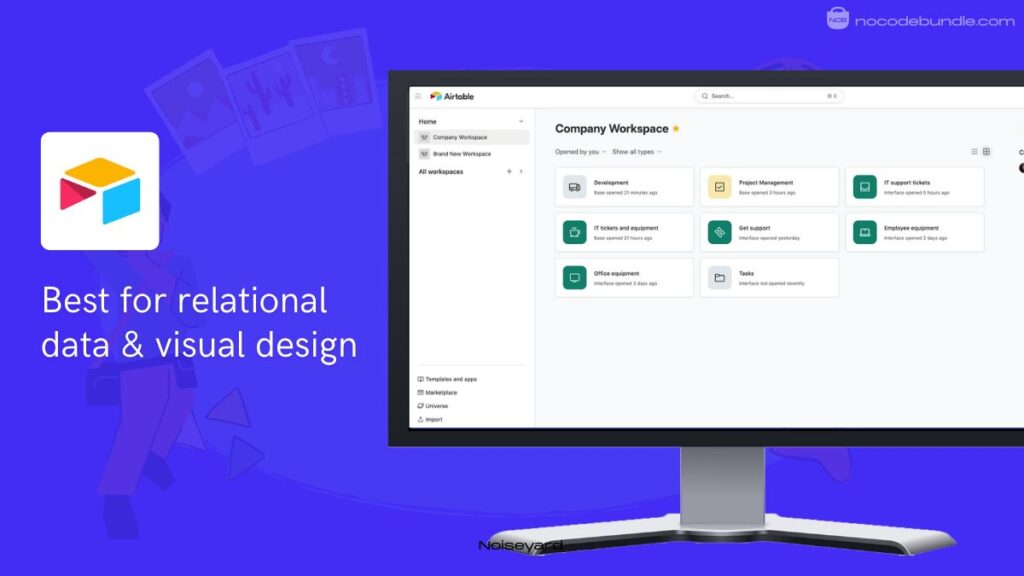
5.Airtable : Best For Relational database with visual interface designer

Airtable is a flexible no code app builder that looks like a spreadsheet but works like a database. It lets you create “bases” where you store information and link different tables together to see how they relate.
For example, you can link a list of clients to their specific projects and invoices easily. Its built-in Interface Designer lets you turn your data into custom apps with buttons and charts without writing code.
This makes it a great choice for teams that need internal tools like project trackers, content calendars, or customer relationship managers that are easy to update.

✅ Pros
❌Cons
- Familiar spreadsheet style for beginners.
- Highly customizable data viewing options.
- Links records across different tables.
- Strong built-in automation and AI.
- Hundreds of ready-to-use templates.
- Expensive for large collaborating teams.
- Limited design for external users.
- Performance slows with massive data.
✅ Pros
- Familiar spreadsheet style for beginners.
- Highly customizable data viewing options.
- Links records across different tables.
- Strong built-in automation and AI.
- Hundreds of ready-to-use templates.
❌Cons
- Expensive for large collaborating teams.
- Limited design for external users.
- Performance slows with massive data.
Best Subscription Plan Recommended for Airtable
The Team Plan at $24/month is the best choice for growing teams. It offers 50,000 records per base, 25,000 monthly automation runs, and 20GB of storage. You also get 15,000 AI credits per month to summarize text or categorize data automatically within your app.
Stand Out Feature of Airtable:
Airtable recently introduced AI Field Agents that act as smart helpers directly inside your tables. These agents can perform web research, study documents, or categorize feedback automatically.
Instead of manually searching for information, you can instruct the agent to find and fill in details for you, which is a massive shortcut when learning to create an app without coding and managing complex data at the same time.
Airtable is recommended for 👍
Not recommended for 👎
- Managing complex team-based projects.
- Building custom internal business tools.
- Organizing large sets of information.
- Building public-facing social media apps.
- Creating high-speed mobile games.
- Basic, one-page personal lists.
Airtable is recommended for 👍
- Managing complex team-based projects.
- Building custom internal business tools.
- Organizing large sets of information.
not recommended for 👎
- Building public-facing social media apps.
- Creating high-speed mobile games.
- Basic, one-page personal lists.
Conclusion
Choosing the best no code app builder depends on what you want to create. If you plan to build a complex business with many users, Bubble remains a top choice for power. If you need a simple tool for business data, Airtable and Glide are great for turning spreadsheets into apps.
For those who want to launch a mobile app quickly, Adalo is a friendly choice. If you are looking for high performance and full control over your code, FlutterFlow is the top option.
Every tool has different strengths and costs. The right choice is the one that fits your project goals and your skill level. Start building today and see your ideas come to life.
Ashna Antony
Ashna Antony is a Hubspot Certified Content Marketer interested in the AI and SaaS landscape. A former Software Developer turned writer, she breaks down how tech actually works and why it matters. She writes about Generative AI, AI Tools, Website Builders, and SaaS. When she’s AFK, she’s probably adding songs to a Spotify playlist or halfway through a podcast episode.