If you’re looking to create content, images, music, or videos without spending a lot, free generative AI tools can help you get started. You can type a prompt and instantly see results, whether it’s a text draft, an AI‑generated image, or a short music clip.
I’ve spent time testing several of these tools, and I found that even with free plans, they let you explore ideas, try different styles, and produce usable work without needing advanced skills.In this blog, I’ll show the best tools available and explain how each one can help you create your projects efficiently.
📝 Key Notes on our Research Process (for Transparency)
- Selected AI tools that offer free access for beginners
- Tested text, image, audio, and video generation features
- Spent 20+ hours using apps for real workflows
- Evaluated user interface, ease of use, and support
- Compared outputs across multiple prompts for accuracy and quality
Most Popular Generative AI Tools
- ChatGPT – Powerful AI assistant for everyday tasks
- Leonardo AI – Best For Creating AI Images and Short Videos
- RunwayML – Best For AI Video Creation and Editing
- ElevenLabs – Best For AI Text-to-Speech Voiceovers
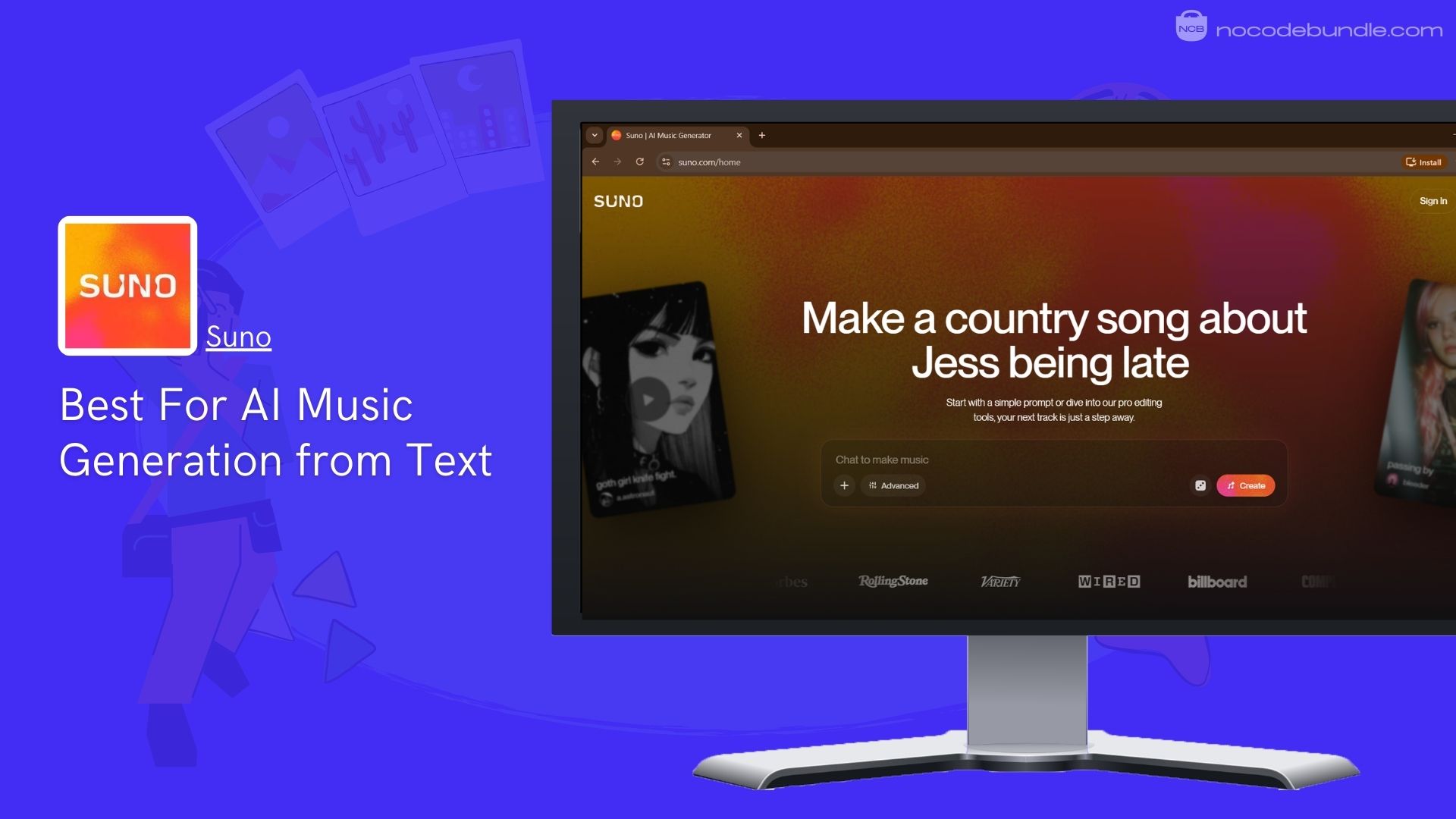
- Suno – Best For AI Music Generation from Text
1. ChatGPT: Powerful AI Assistant For Everyday Tasks

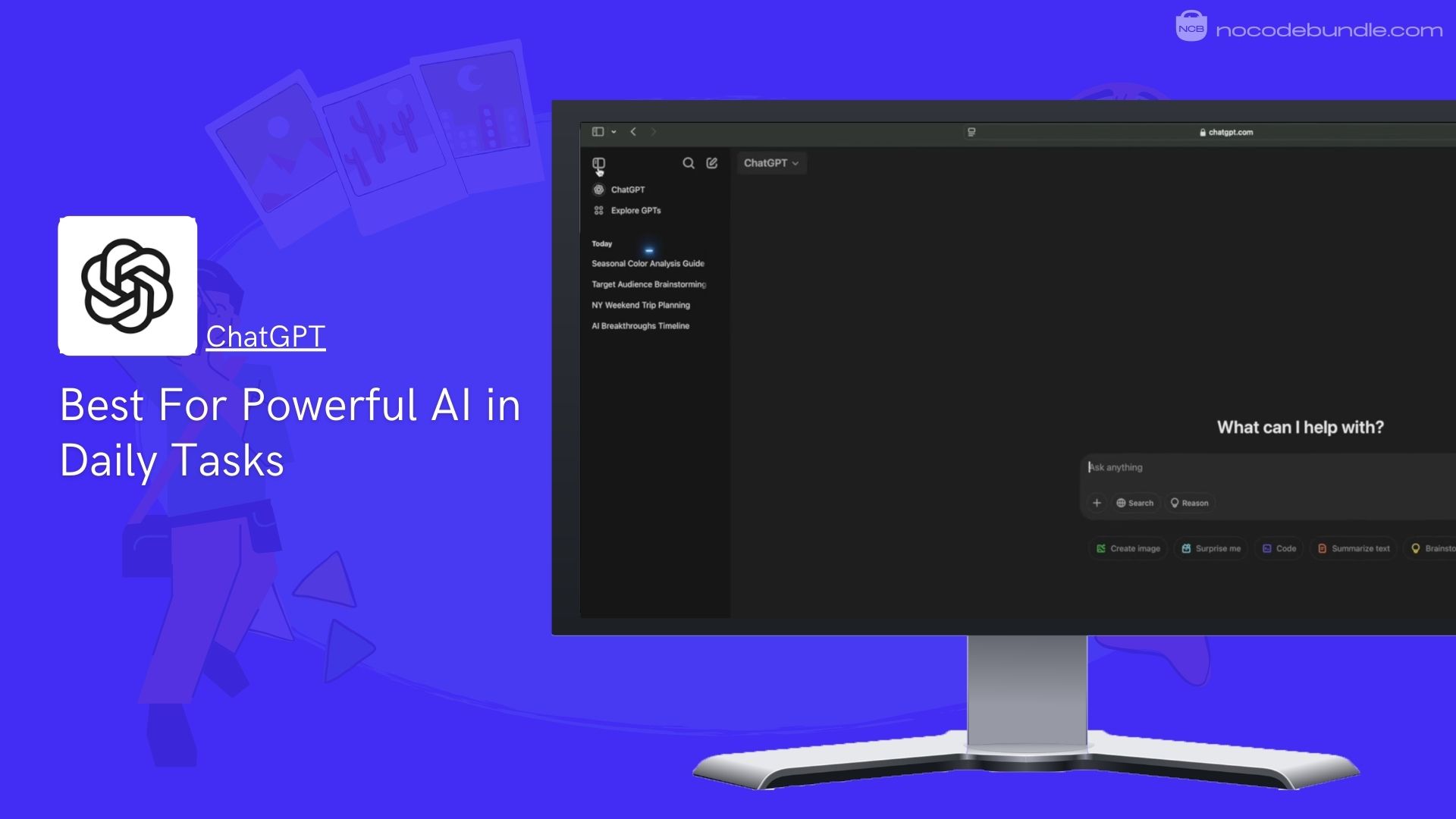
ChatGPT by OpenAI is a widely-used generative AI tool that helps users write, research, code, translate, summarize, and brainstorm across many topics. It uses advanced language models to generate clear, human-like responses quickly.
When I first started using it, I was impressed how easily it answered questions. You can access it for free online or via mobile/desktop apps. In my testing, I was able to quickly draft emails, get clear explanations of topics, and even generate images.
Even without paying, free users get limited access to the flagship GPT-5.2 model, can explore web search, use basic image tools, and try light research all helpful for everyday tasks.
✅ Pros
❌Cons
- Simple natural language chat
- Helpful for writing & summaries
- Includes limited image creation
- Supports projects and GPTs
- Web search and basic research
- Limits on messages & uploads
- Deeper tools behind paywalls.
Slower responses at peak times
✅ Pros
- Simple natural language chat
- Helpful for writing & summaries
- Includes limited image creation
- Supports projects and GPTs
- Web search and basic research
❌Cons
- Limits on messages & uploads
- Deeper tools behind paywalls.
Slower responses at peak times
Best Subscription Plan Recommended for ChatGPT
For most people, the Free plan is perfect for simple writing, research, and idea testing. Based on what I used, it’s enough for daily tasks, and it fits well alongside other AI productivity tools that support writing, planning, and work automation.
Stand Out Feature of ChatGPT:
One standout is Study Mode, now available free and especially useful for students especially when paired with other AI tools designed for note-taking and research workflows. When I tried it, the AI gave easier explanations, helped quiz topics, and broke down complex subjects into smaller learning steps ideal for studying or exam prep.
ChatGPT is recommended for 👍
Not recommended for 👎
- Everyday writing & learning
- Quick research & summaries
- Casual creative content
- Heavy enterprise workflows
- Large-scale data analysis
- Long professional research demands
ChatGPT is recommended for 👍
- Everyday writing & learning
- Quick research & summaries
- Casual creative content
not recommended for 👎
- Heavy enterprise workflows
- Large-scale data analysis
- Long professional research demands
2. Leonardo AI: Best For Creating AI Images and Short Videos

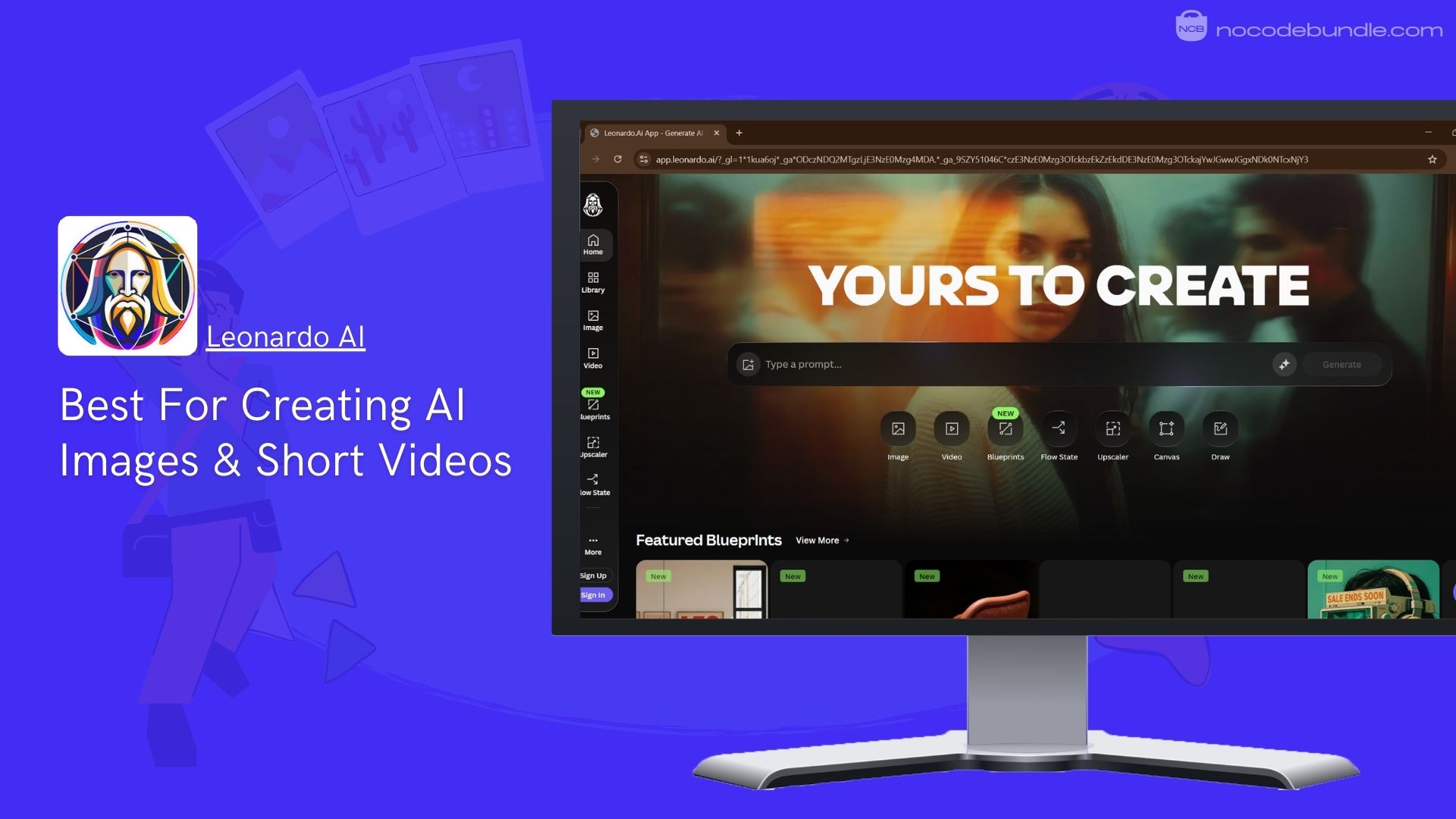
Leonardo AI is an online platform that lets you create images and videos using artificial intelligence. I found it easy to type a description and get custom visuals without learning complex software, which is also why AI image tools are becoming popular in product photography and online branding.
The free plan gives 150 tokens daily that you can use to generate images and try basic tools. Paid plans give many more tokens monthly, private generation, higher quality settings, and the ability to train custom AI models.
I used the Apprentice plan and could keep my work private and build a small model that matched my style. It also has collections to organize your creations.
✅ Pros
❌Cons
- Free daily tokens to start
- Custom model training slots
- Works for images and video
- Collections to organize projects
- Multiple plan choices
- Free token limits daily output
- More advanced tools need higher tiers
- Video slow if tokens run low
✅ Pros
- Free daily tokens to start
- Custom model training slots
- Works for images and video
- Collections to organize projects
- Multiple plan choices
❌Cons
- Free token limits daily output
- More advanced tools need higher tiers
- Video slow if tokens run low
Best Subscription Plan Recommended for Leonardo AI
The Apprentice plan is a good choice for regular creators because it gives a large monthly token allowance, private generation, and model training, which helps create consistent visuals without paying for the top tier.
Stand Out Feature of Leonardo AI :
Leonardo now has Motion 2.0, an update that produces short videos from text descriptions. When I used it, generating a brief animated clip took only a clear prompt and a few tokens, turning my idea into a motion video without extra software.
Leonardo AI is recommended for 👍
Not recommended for 👎
- Artists and visual designers
- Game and concept artists
- Creative content makers
- Users who want only text tools
- People needing heavy text research
- Those looking for simple chat tools
Leonardo AI is recommended for 👍
- Artists and visual designers
- Game and concept artists
- Creative content makers
not recommended for 👎
- Users who want only text tools
- People needing heavy text research
- Those looking for simple chat tools
3. RunwayML: Best For AI Video Creation and Editing

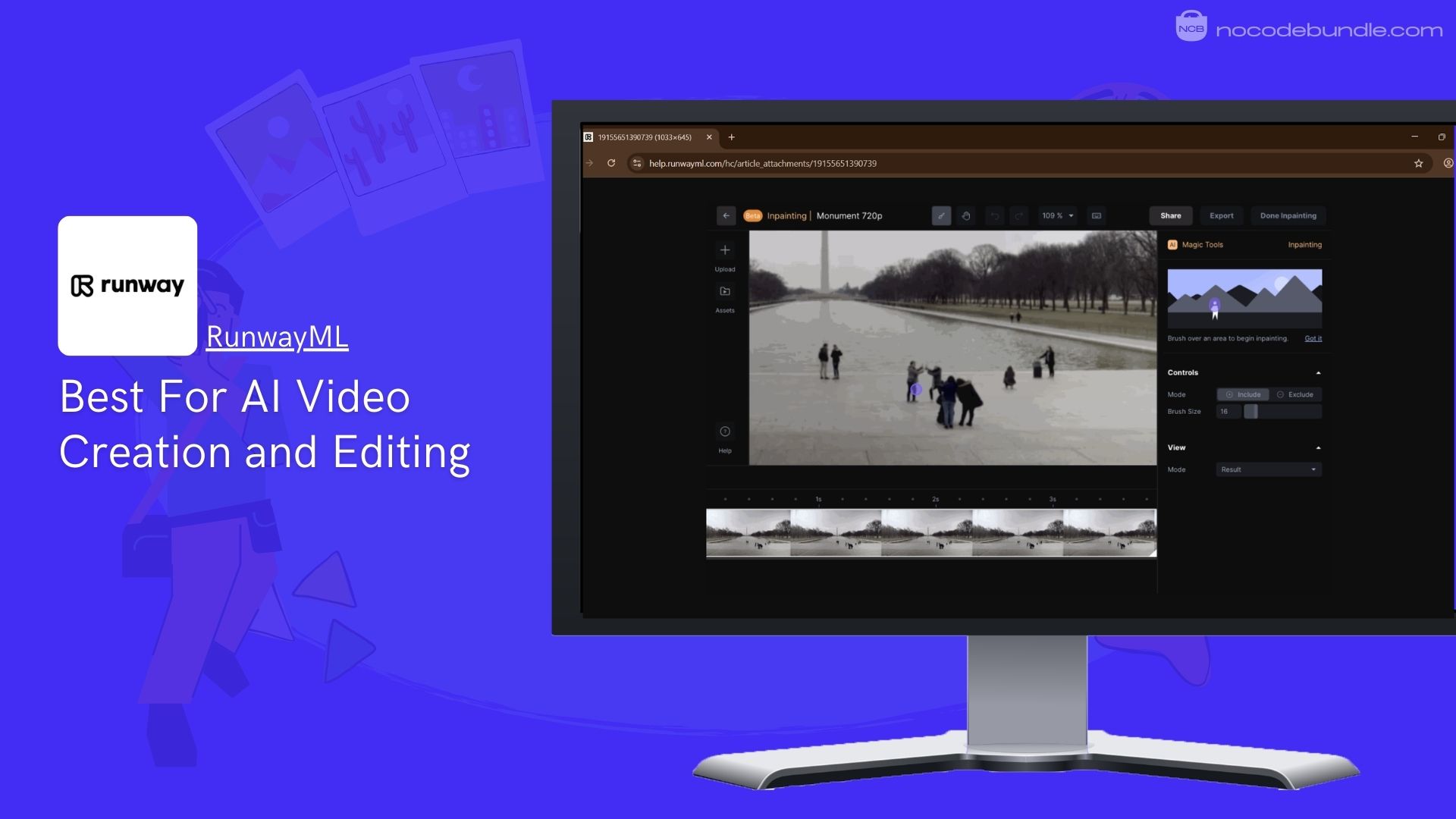
RunwayML is an online creative platform that lets users generate and edit images and videos using artificial intelligence. I tried it and found that you can type a text description to make short clips, edit clips frame by frame, remove backgrounds, and replace objects without using complex editing software.
It runs inside a browser, so you do not need a powerful computer. The platform includes models like Gen-4 and Gen-4 Turbo that help create different visual styles. You can also organize projects, store media assets in cloud storage, and work with AI tools for motion tracking and video effects.
The free plan gives a limited set of credits so you can try basic video and image outputs, plus 5GB of storage and a few projects. Paid plans give more credits each month, higher export quality, watermark removal, custom voice tools, and storage space for more media. Runway also supports collaboration with teammates in shared workspaces.
✅ Pros
❌Cons
- Text to video and image options
- Background removal and motion tools
- Works in browser without install
- Cloud asset storage included
- Good for quick edits
- Free credits are limited
- Some advanced tools locked behind subscription
- Exports limited resolution on free
✅ Pros
- Text to video and image options
- Background removal and motion tools
- Works in browser without install
- Cloud asset storage included
- Good for quick edits
❌Cons
- Free credits are limited
- Some advanced tools locked behind subscription
- Exports limited resolution on free
Best Subscription Plan Recommended for RunwayML
The Standard plan is the best choice for most creators because it gives monthly credits, higher export quality, no watermarks, and more project space, making it easier to work regularly at a reasonable cost.
Stand Out Feature of RunwayML:
RunwayML now includes a Multi-Motion Brush tool that lets you apply motion in specific areas of still images or video. When I used it, I could animate parts of a picture, like moving clouds or running water, simply by highlighting sections and typing what motion I wanted.
RunwayML is recommended for 👍
Not recommended for 👎
- Video content creators
- Digital artists and editors
- Social media video makers
- Users only wanting text tools
- Heavy text research tasks
- Simple chat-style AI needs
RunwayML is recommended for 👍
- Video content creators
- Digital artists and editors
- Social media video makers
not recommended for 👎
- Users only wanting text tools
- Heavy text research tasks
- Simple chat-style AI needs
4. ElevenLabs: Best For AI Text-to-Speech Voiceovers

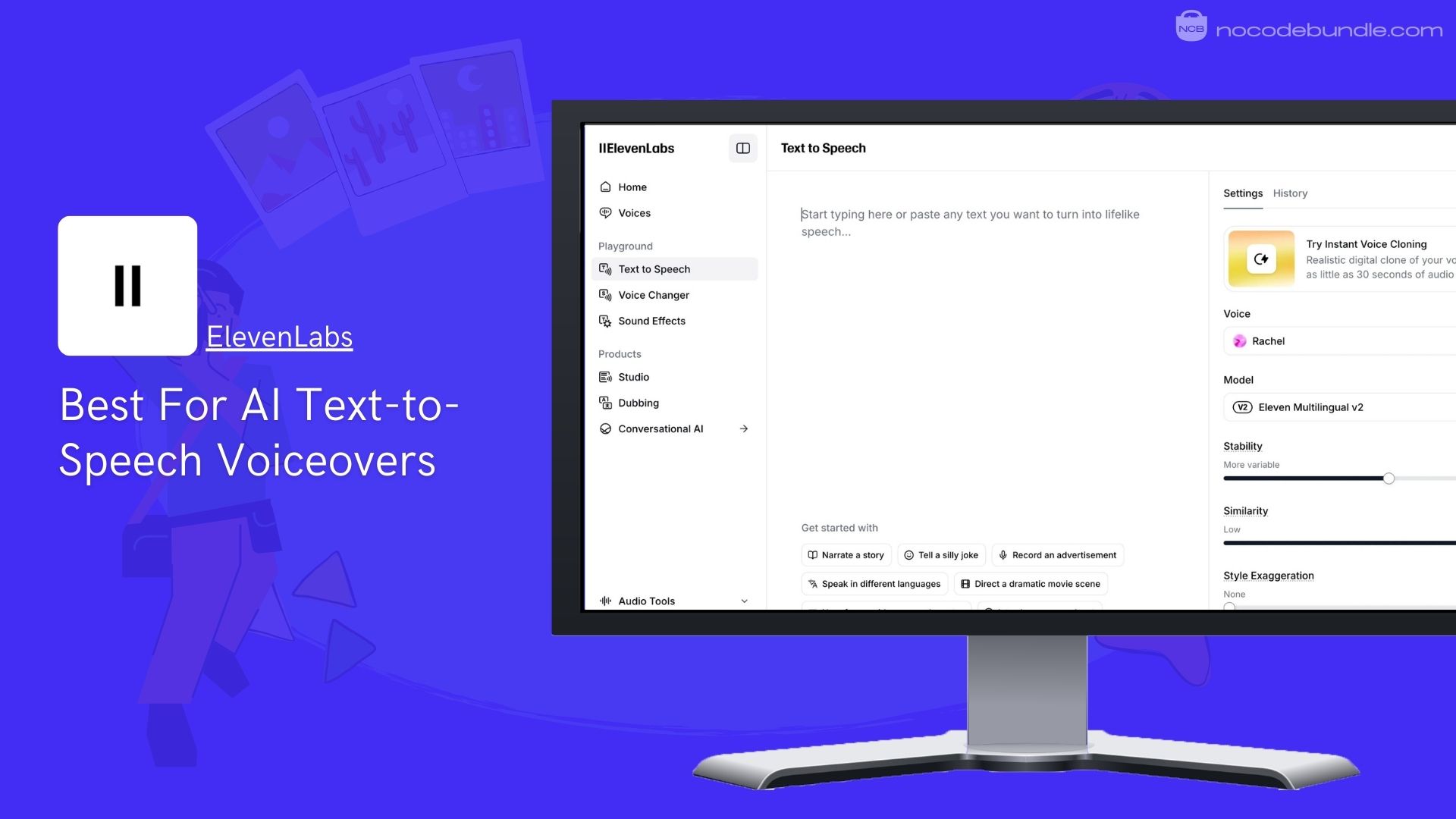
ElevenLabs is an AI tool that turns written text into human-like speech with clear and natural tone and pacing. When I first tested it, the voices sounded realistic and easy to understand. It supports text to speech, speech to text, music generation, voice effects, and automated dubbing tools in one place.
Users can create custom voices, adjust emotion and style, and use conversational audio tools for podcasts, videos, games, and accessibility. I also found that its API lets developers add voice features to their software. It works with many languages and accents.
The free plan gives users 10,000 credits per month that can be used for text to speech, speech to text, and basic voice tools with limited commercial use and attribution requirements.
✅ Pros
❌Cons
- High-quality natural AI voices
- Works in many languages
- Text to speech and speech to text
- Voice design and effects included
- API access for developers
- Free credits are limited
- Some advanced tools locked behind subscription
- Exports limited resolution on free
✅ Pros
- High-quality natural AI voices
- Works in many languages
- Text to speech and speech to text
- Voice design and effects included
- API access for developers
❌Cons
- Free credits limit monthly usage
- No commercial rights on Free tier
- Voice cloning needs paid plan
Best Subscription Plan Recommended for ElevenLabs
The Starter plan is best for most users because it adds a commercial license, more monthly credits, instant voice cloning, and studio tools, so you can use generated audio in public content without restrictions.
Stand Out Feature of ElevenLabs:
ElevenLabs now offers Eleven v3, an updated AI voice model that produces more accurate and consistent speech. When I used it, the model read numbers, symbols, and technical terms more correctly than earlier versions, making generated voiceovers clearer and easier to use.
ElevenLabs is recommended for 👍
Not recommended for 👎
- Podcasters and broadcasters
- Creators needing voiceovers
- Game and interactive audio
- Users only needing text responses
- Simple chat AI tasks
- Heavy long-form voice cloning projects
ElevenLabs is recommended for 👍
- Podcasters and broadcasters
- Creators needing voiceovers
- Game and interactive audio
not recommended for 👎
- Users only needing text responses
- Simple chat AI tasks
- Heavy long-form voice cloning projects
5. Suno: Best For AI Music Generation from Text

Suno is an AI platform that lets users create original music tracks from text descriptions and creative ideas. When I tested it, I typed simple words like genre, mood, and instruments, and the AI produced full music with melody, rhythm, and instrumentation.
The system supports many genres, and you can add vocals, remix parts, and edit elements such as tempo and key. It works in a browser or mobile app, and includes tools to organize and export songs you make. You can explore tracks made by others and share your own creations with the community.
The free plan gives users 50 credits daily, which is about 10 songs per day but tracks cannot be used for commercial purposes.

✅ Pros
❌Cons
- Generates music from text prompts
- Works on both web and mobile
- Supports vocal and instrumental tools
- Includes editing and remix features
- Easy organization for creations
- Free credits are limited
- Some advanced tools locked behind subscription
- Exports limited resolution on free
✅ Pros
- Free credits limit daily output
- Free tier is non-commercial only
- Advanced tools require paid plan
❌Cons
- Free credits limit monthly usage
- No commercial rights on Free tier
- Voice cloning needs paid plan
Best Subscription Plan Recommended for Suno
We recommend the Pro plan for most users because it gives a large monthly credit pool, commercial rights, and priority processing so you can make more songs and use them in public content with fewer limits.
Stand Out Feature of Suno:
Suno updated its free model to v4.5-All, which can generate longer, more expressive songs with vocals, lyrics, and complete instrumental arrangements. When I tried this version on the free tier, the music quality was noticeably higher than older models and sounded closer to what I described in my prompts.
Suno is recommended for 👍
Not recommended for 👎
- Content creators needing soundtracks
- Music makers without experience
- Quick social media audio clips
- Users only wanting text tools
- Professional studio-level audio editing
- Projects needing advanced music coding
Suno is recommended for 👍
- Content creators needing soundtracks
- Music makers without experience
- Quick social media audio clips
not recommended for 👎
- Users only wanting text tools
- Professional studio-level audio editing
- Projects needing advanced music coding
Conclusion
Free generative AI tools are changing how people create content, design visuals, and produce audio without needing expensive software or advanced skills. They help users generate text, images, videos, voiceovers, and even music in just a few steps.
Each tool in this list supports a different type of creative or professional task, making it easier to choose based on your needs. The free plans are useful for testing features, learning workflows, and completing small projects.
Before selecting one, focus on what you want to create and check the limits of the free tier. These tools are a practical starting point for students, creators, and professionals exploring AI for everyday work.
Ashna Antony
Ashna Antony is a Hubspot Certified Content Marketer interested in the AI and SaaS landscape. A former Software Developer turned writer, she breaks down how tech actually works and why it matters. She writes about Generative AI, AI Tools, Website Builders, and SaaS. When she’s AFK, she’s probably adding songs to a Spotify playlist or halfway through a podcast episode.