The best AI website builder for small business in 2026 is the one that gets you a credible, lead-capturing site live this week without a designer, a developer, or a nasty surprise on the bill. We did hands on testing on all of the curated builders and read more than 14,000 user reviews across the web, dug through what small-business owners actually say on community forums, and pulled every tool’s live pricing to separate the builders worth your time from the ones that just look cheap.
Plenty of these tools advertise “free” or a headline price near a couple of dollars a month, then quietly ask for a subscription the moment you want to publish on your own domain, or renew four to five times higher once your intro term ends. And the AI does not hand you a finished site. It hands you a fast first draft you will rewrite. Treat the AI feature as a head start, not a replacement for a real look at your copy, your offer, and how you capture leads. We ranked them with that reality baked in.
This guide is for non-technical owners, solo operators, and early-stage founders, the local service businesses, side hustlers, and small teams who want a professional presence fast and cheap. If you need a complex store or a custom web app, a couple of these still fit, but most owners will land on the first three picks.
What You’ll Learn
4 key points covered
- 1Which AI website builder fits your budget, your niche, and how hands-off you want to be.
- 2The real cost to publish and keep a site live, not the intro price on the homepage.
- 3Where the AI output is good enough to ship and where you will need to rewrite it.
- 4When an AI builder is enough, and when you are better off with a person.
The best AI website builders for small business at a glance
Here is the full line-up, ranked. Tap any tool to jump to its full verdict.
| Tool | Best for | Standout | Starting price (2026) |
|---|---|---|---|
| 1. Wix | All-rounder for most owners | Mature AI build, bookings, SEO, huge template range | Free plan; Light $17/mo (annual) |
| 2. Hostinger | Tightest budget | Full business site for about $3/mo to start | From ~$2.99/mo intro |
| 3. Squarespace | Design and brand-led sites | The most polished templates in the category | Basic $16/mo (annual) |
| 4. Durable | Fastest local-service launch | A working site in 30 seconds, plus CRM and invoicing | Free (subdomain only); paid from ~$12/mo |
| 5. 10Web | WordPress control and portability | AI build on real WordPress you can take with you | AI Starter $10/mo (annual) |
| 6. Zarla | SEO-first sites for local SMBs | Search-ready pages and branding in one flow | From ~$2.99/mo intro |
| 7. Framer | Design-led and creative sites | The cleanest AI design output of the group | Free plan; paid from ~$10/mo |
| 8. Jimdo | Simple local brochure sites | Fast, guided setup for a no-fuss presence | Free plan; paid from ~$9/mo |
Short on time? Wix is our top pick for most small businesses. Hostinger is the budget choice if price is your first filter. Durable is the one to reach for when a local service business needs a lead form live today.
How we tested and scored these builders
We scored every tool against what actually matters to a small business, not what looks good in a demo. The heaviest weight goes to how fast you can get live and what it truly costs to stay live, because those are the two places this category quietly lets owners down. We built each site, pushed it toward a publishable state with a contact or booking form, and weighed our hands-on read against the pattern in user reviews from across the web.
One stance shapes the whole ranking: for most small businesses, the site’s real job is to capture a lead, a call, or a booking, not to run a fancy self-service checkout the audience rarely uses. So we reward a builder that gets a working inquiry form and clean local SEO live fast, and we mark down the ones that bury the form or make you pay just to publish it.
Generic AI builders optimise for
A shiny 30-second demo you still have to rewrite before it represents your business.
The right pick optimises for
A fast, editable site with real lead capture, clean SEO, and pricing you can predict.
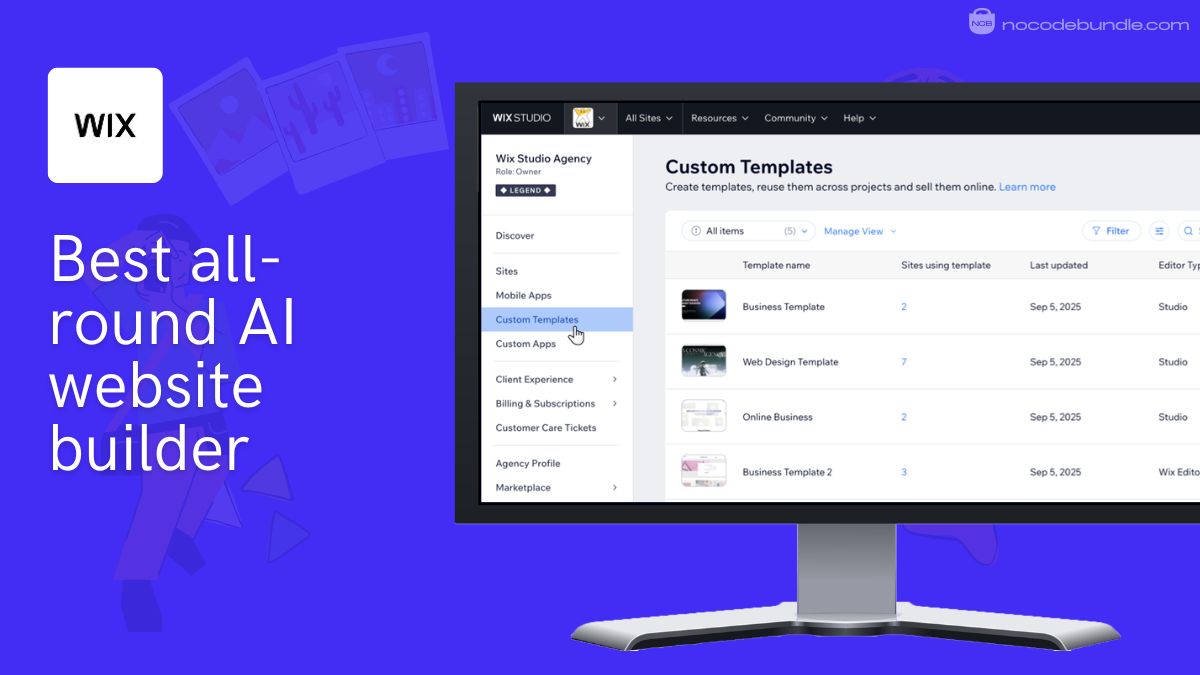
1. Wix: Best all-round AI website builder for small business
Wix is the safest all-rounder here: its AI builds a full multi-page draft from a few prompts, and you can then edit almost anything, add bookings, forms, and SEO, and grow into a store later. The catch is that the most useful pieces live on higher tiers, so budget past the entry price.
Small-business features that matter
Wix covers the small-business essentials better than anything else on this list. You get built-in bookings and appointment tools, contact and lead-capture forms, an AI text writer for first-draft copy, an SEO assistant that walks you through titles and meta, and a large app market for adding what the core is missing. The template range is the deepest in the category, so most niches have a credible starting point rather than a blank page.
Pricing and which plan to pick
Wix has a free plan (with Wix branding and a Wix subdomain), then paid plans start at Light for $17/mo on annual billing, with Core at $29/mo once you need a store, per the Wix pricing page (July 2026). Monthly billing costs more, and a custom domain is free only for the first year. For a simple lead-capture site, Light is enough; step up to Core only when you start selling.
What users tell us: across more than 10,000 user reviews in Capterra (Wix sits at 4.4 out of 5), the steady praise is the template range and the drag-and-drop ease that lets non-designers ship something decent. The steady frustration is that genuinely useful features sit behind higher tiers, and support can be slow when something breaks.
Pros
- Deepest feature set for small businesses: bookings, forms, SEO, store.
- Largest template library, so few niches start from scratch.
- Free plan to test the full editor before you pay.
Cons
- The features you will actually want sit on higher, pricier tiers.
- You cannot switch templates after publishing without rebuilding.
- Support quality is a recurring complaint in the reviews we read.
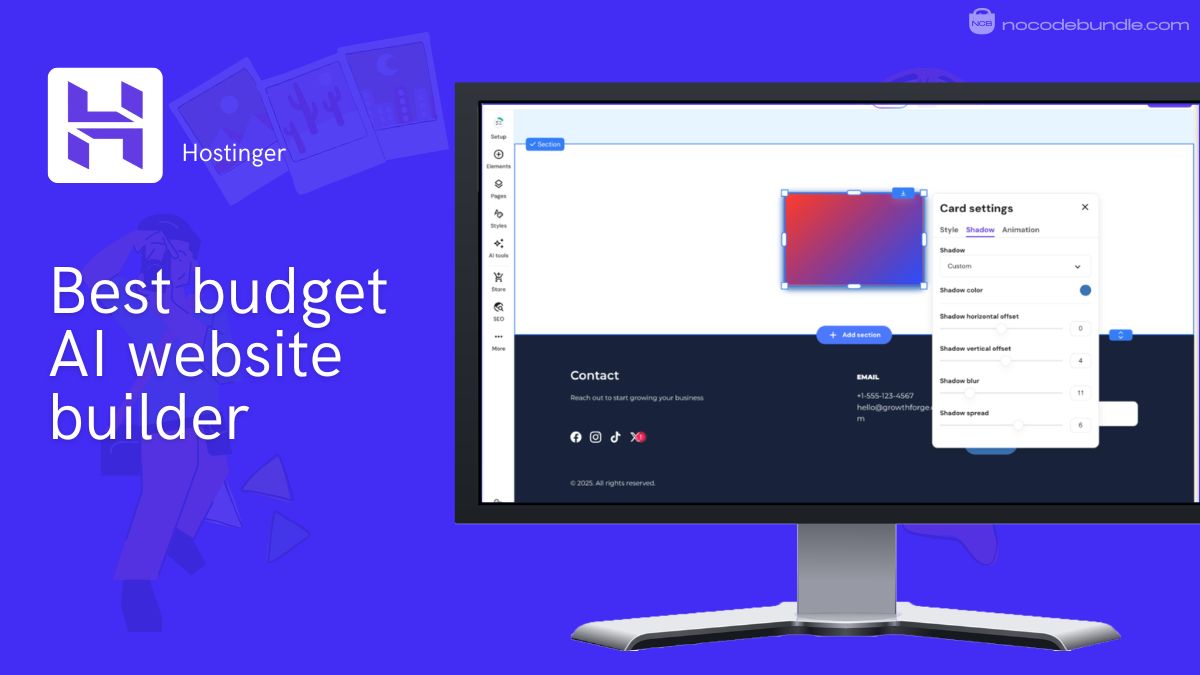
2. Hostinger: Best budget AI website builder for small business
Hostinger is the pick when price is your first filter. Its AI builder spins up a full business site in minutes with hosting, domain, and SSL bundled in, for an intro price near a few dollars a month. Just go in with eyes open about the renewal, which jumps to roughly $10.99/mo once your term ends.
Small-business features that matter
Hostinger bundles the basics a small site needs into one low bill: AI site generation, a drag-and-drop editor, hosting, a free first-year domain, SSL, and an AI writer and logo maker. It is aimed at simple service sites and early-stage shops. One clarification worth making, since it trips people up: Hostinger sells two AI products, the Website Builder covered here, and Horizons, a separate credit-based app builder. For a small-business site, you want the Website Builder.
Pricing and which plan to pick
Hostinger’s website builder starts near $2.99/mo, but only on the longest multi-year term paid upfront, and it renews around $10.99/mo, per Hostinger’s site (July 2026). The Premium plan suits a simple brochure or portfolio; step up to Business if you want the fuller AI toolkit or light ecommerce. Treat the cheap headline as a multi-year commitment, and note the tight storage on the entry plan if you plan a media-heavy site.
What users report: the consistent theme is how fast and painless it is to get a decent site live for very little money, especially for non-technical owners. The recurring gripe is that the AI draft still needs a rewrite before it feels credible, and the low price applies to the intro term, not the renewal.
Pros
- Among the cheapest ways to get a real business site live.
- Hosting, domain, and SSL bundled in, so fewer moving parts.
- Fast, beginner-friendly AI generation.
Cons
- The low price is an intro rate that renews four to five times higher.
- Entry plan resources are tight for image or traffic-heavy sites.
- Two similarly named AI products make it easy to buy the wrong one.
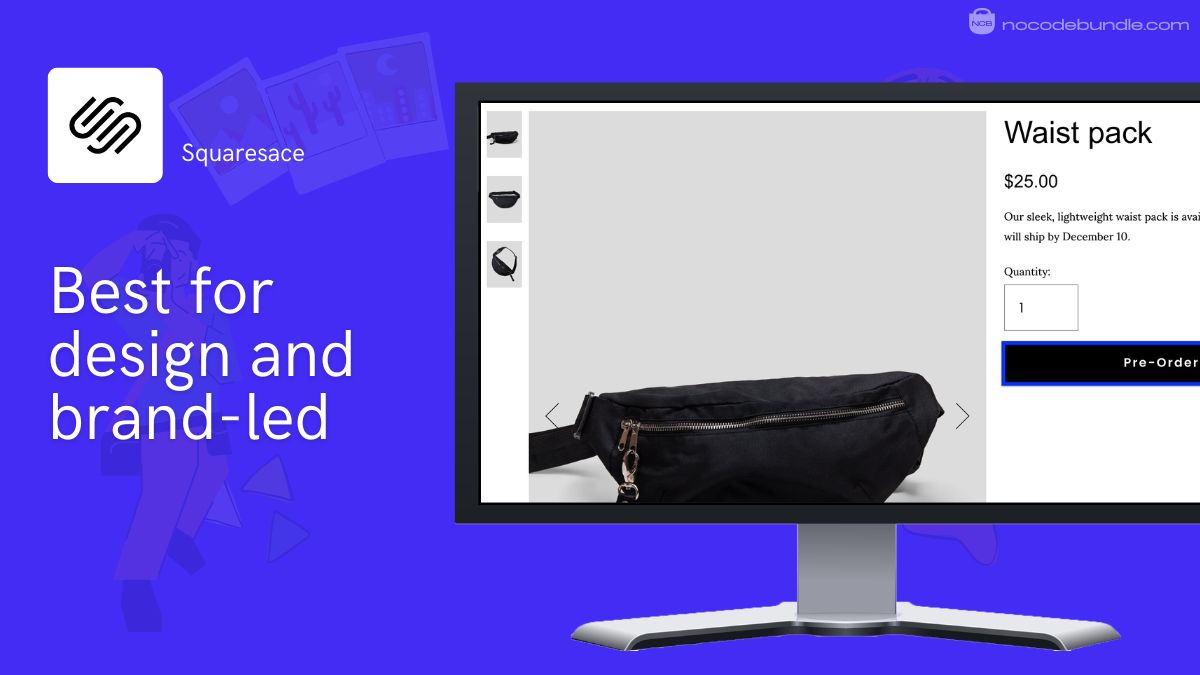
3. Squarespace: Best for design and brand-led small business sites
Squarespace wins on looks. Its templates are the most polished in the category, and its guided AI setup gives you a cohesive, professional site without a designer. The trade-off is less raw flexibility once you want something the editor does not offer, and it is the only pick here with no free plan.
Small-business features that matter
Squarespace pairs its design edge with a genuinely capable toolkit: AI-assisted setup and copy, strong built-in SEO, clean mobile output, and native commerce, memberships, and scheduling through Acuity as add-ons. It is a natural fit for creatives, consultants, wellness businesses, and any brand where the way the site looks is part of the pitch.
Pricing and which plan to pick
Squarespace has no free plan, only a 14-day trial, and paid plans start at Basic for $16/mo on annual billing, with Core at $23/mo, per the Squarespace pricing page (July 2026). Monthly billing is notably higher. Most service businesses land on Core for the custom-code access and integrations; Basic works for a portfolio or simple brochure site. Budget for domain and email renewals after the first year.
What users tell us: across more than 3,400 user reviews (Squarespace sits at 4.6 out of 5), people love the template design, the polish, and how professional the result looks with little effort. The recurring gripe is limited customization: once you want something outside what the editor offers, you can hit a wall.
Pros
- The most professional-looking templates of any builder here.
- Strong built-in SEO and clean, mobile-ready output.
- Cohesive, guided setup that is hard to make look bad.
Cons
- Less flexible once you push past what the editor allows.
- No free plan, and the highest entry price in this group.
- Bookings and email marketing are paid add-ons on top of the plan.
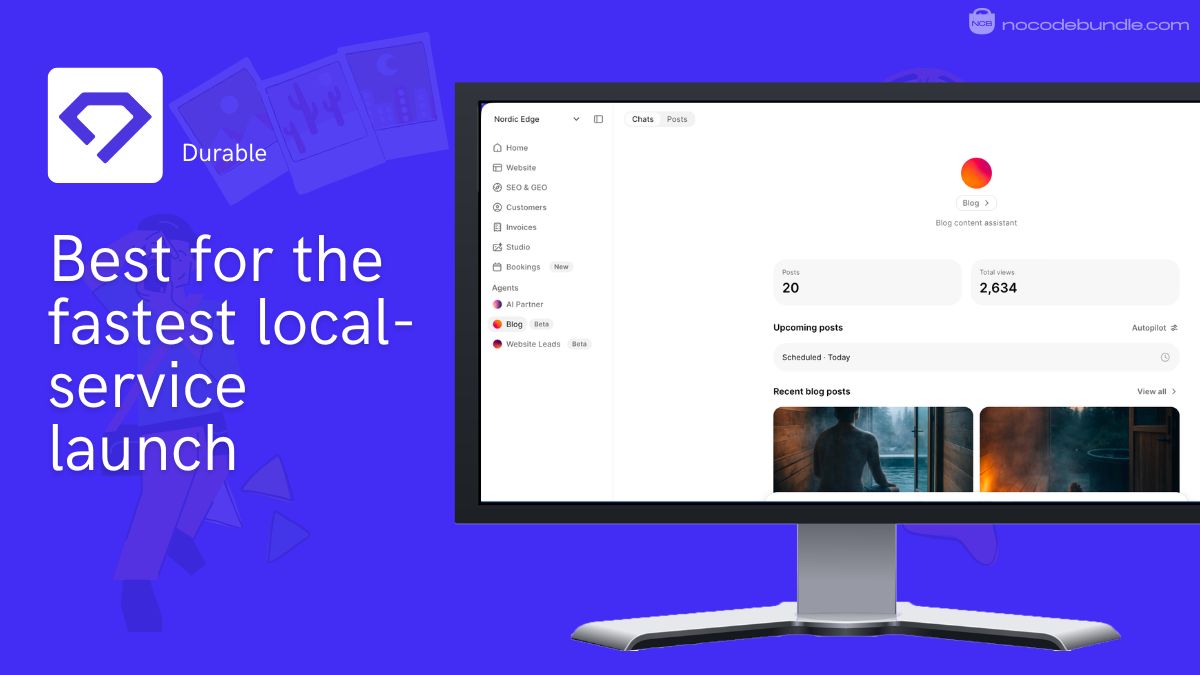
4. Durable: Best for the fastest local-service launch
Durable is built for one job: getting a plumber, cleaner, or solo consultant a working website in about 30 seconds, with a lead form, CRM, and invoicing attached. It is the fastest way to a credible presence, as long as you accept a templated first draft and that you cannot publish on your own domain for free.
Small-business features that matter
Durable is more of an all-in-one business starter than a pure site builder. Alongside the AI-generated site you get a simple CRM, invoicing through Stripe, a booking tool, an AI brand and logo maker, and basic local SEO controls (editable titles, meta, and local business markup). For a service business that just needs to get found, booked, and paid, that bundle removes a lot of app juggling.
Pricing and which plan to pick
Durable has a free plan, but it only publishes on a Durable subdomain: to connect your own domain you need a paid plan, which starts around $12/mo on annual billing per Durable’s pricing page (July 2026). One thing to know before you commit: Durable is a closed platform, so you cannot export your site’s code, and if you cancel, the site goes offline. Great for speed, less great for portability.
What users report: the consistent theme is genuine relief at how fast a decent, professional-looking site appears, and how handy the built-in CRM and invoicing are for a one-person business. The recurring gripe is that the AI content reads generic and needs editing, and that the “free” build asks for a subscription the moment you want to publish properly.
Pros
- Fastest path from nothing to a live-looking site.
- Built-in CRM, invoicing, and bookings replace several tools.
- Tuned for local service copy and service-area sections.
Cons
- Free plan cannot publish on your own domain; you must pay to launch.
- AI-generated content is generic and needs a real rewrite.
- Closed platform: no code export, and the site disappears if you cancel.
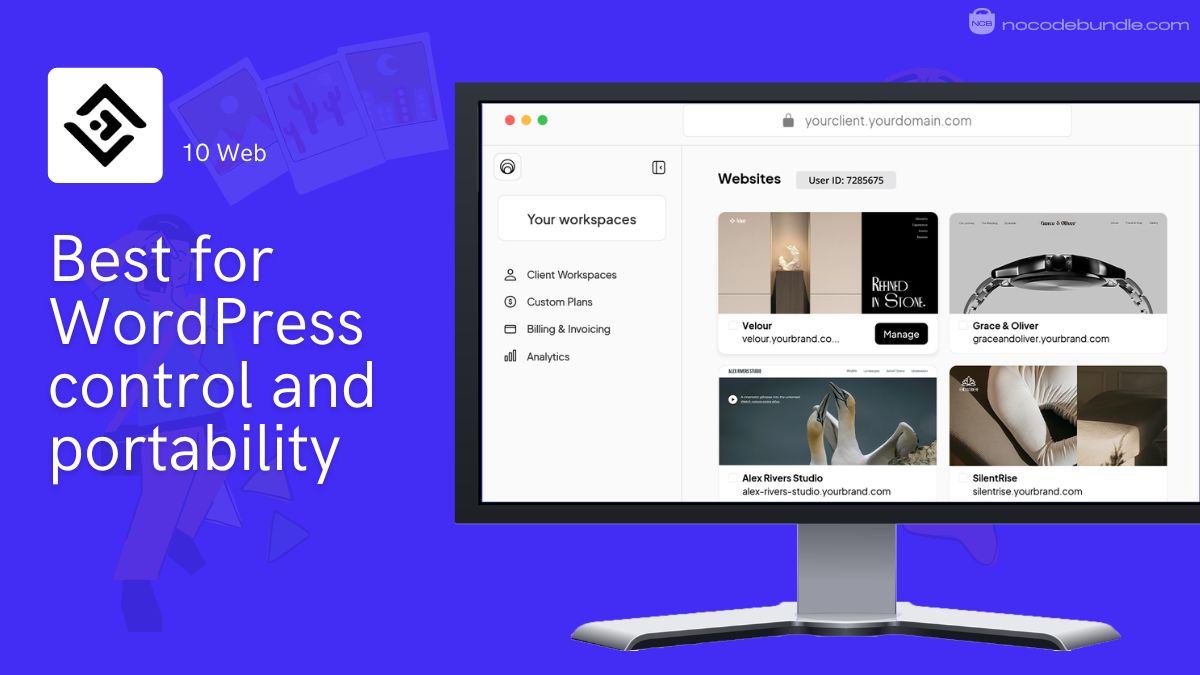
5. 10Web: Best for WordPress control and portability
10Web is the pick if you want AI speed on top of real WordPress you can actually own and move. Its AI builds (or recreates) a site on a WordPress and Elementor foundation with managed Google Cloud hosting. That flexibility is the draw; the support experience and the usual WordPress upkeep are the drawbacks.
Small-business features that matter
10Web gives you WordPress without most of the setup pain: AI site generation, an AI assistant for content, managed hosting with a 90-plus PageSpeed target, and the option to recreate an existing site from a URL. Because it is real WordPress underneath, you keep the plugin ecosystem and full customization, and you can take the site elsewhere. That portability is something the closed builders here cannot match.
Pricing and which plan to pick
10Web has no permanent free plan (a free generation preview plus a 7-day trial), and paid plans start at AI Starter for $10/mo on annual billing, with AI Premium at $15/mo, per the 10Web pricing page (July 2026). Monthly billing runs much higher. Starter suits a simple site under modest traffic; note the real cost of WordPress creeps up if you add premium plugins later.
What users tell us: across the 44 user reviews we read, 10Web sits at 3.8 out of 5, and the split is real rather than a rounding quirk: just over half are five-star, but one in five are one-star. The praise centres on the WordPress power and hosting speed; the low ratings cluster hard on support and billing.
Pros
- Real WordPress underneath, so full control and easy exit.
- Fast managed hosting with a high PageSpeed target.
- Can rebuild an existing site from a URL with AI.
Cons
- Support and billing draw the loudest complaints in the reviews we read.
- You still inherit WordPress upkeep and plugin costs over time.
- Small review base, so weigh the rating accordingly.
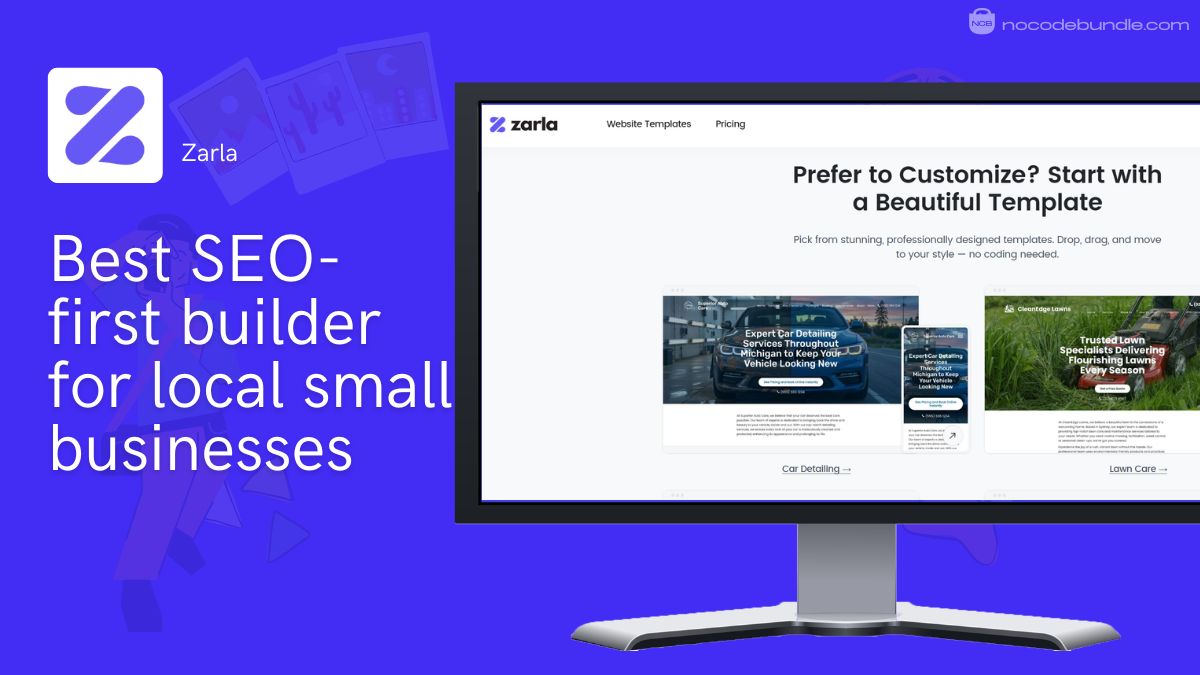
6. Zarla: Best SEO-first builder for local small businesses
Zarla is purpose-built for local small businesses that need to show up on Google, and it is the rare pick here aimed squarely at this exact search. It generates a search-ready site with branding in one flow for a low intro price. The honest caveat is that its glowing rating is built mostly on free-trial impressions, not long-haul use.
Small-business features that matter
Zarla leans hard on search and speed. Every generated site ships with on-page SEO applied automatically (title tags, meta descriptions, heading structure, and local business markup), fast Google Cloud hosting, mobile-first pages, bookings, and a logo and brand generator that owners clearly enjoy. For a cleaner, handyman, or solo trader whose customers just need to find hours, a phone number, and a booking link, it does that specific job at minimal cost.
Pricing and which plan to pick
Zarla has no permanent free plan (a 30-day free draft), and its Premium plan starts near $2.99/mo, but only on a three-year term, renewing around $11.99/mo with a 10-page cap, per Zarla’s site (July 2026). The Business plan lifts the page limit at $23.99/mo. Read this as a multi-year commitment, and at the renewal rate you are paying close to what a more established builder costs.
What users tell us: Zarla shows 4.8 out of 5 across 192 user reviews, but here is the nuance that rating hides: roughly eight in ten of those reviews came from people still on the free trial, so it reflects first-impression delight (the logo and brand generator draw the loudest praise) far more than durable, long-term use. Post-trial support is a weak spot in the wider reviews we read.
Pros
- Built from the ground up for local SEO and getting found.
- Very low intro price and genuinely fast setup.
- Handy branding and logo generation in the same flow.
Cons
- The high rating is inflated by free-trial reviews, not long-term users.
- AI copy is generic, and the Premium plan caps you at 10 pages.
- Intro price renews far higher, and support gets thin after the trial.
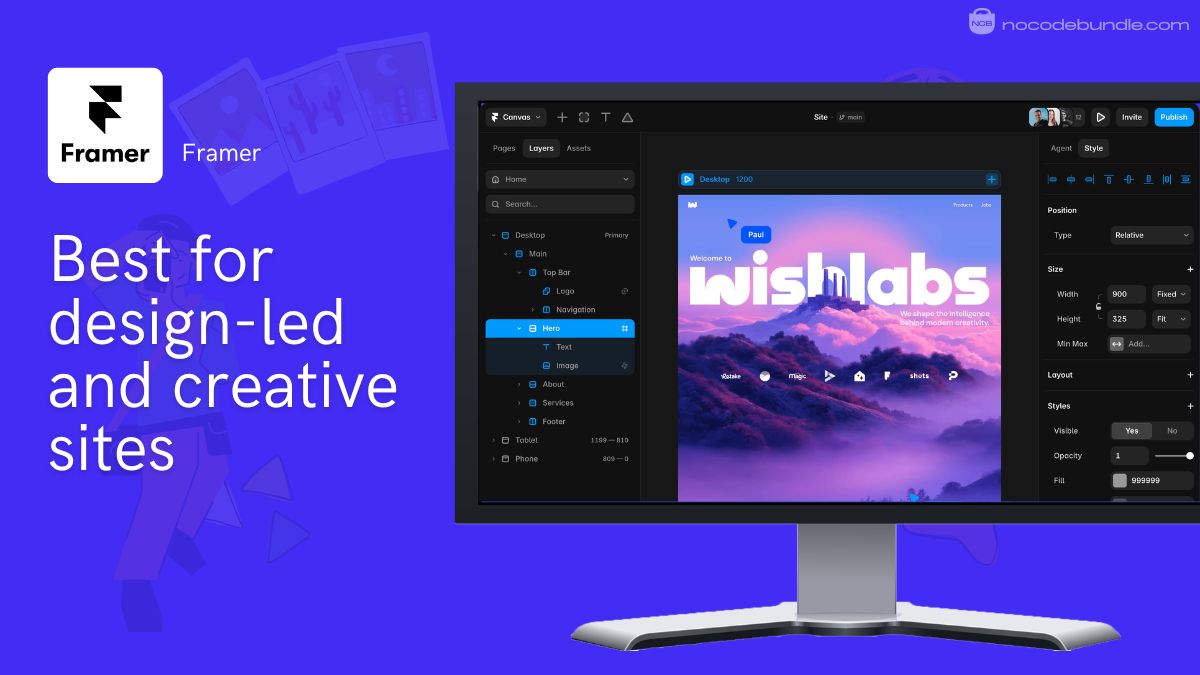
7. Framer: Best for design-led and creative sites
Framer produces the cleanest AI design output of the group, which makes it the pick for creatives, agencies, and founders who care how the site looks and moves. It generates a layout from a prompt, then hands you real design controls. The trade-off: it is less of a point-and-click tool for a total beginner than Wix or Durable.
Small-business features that matter
Framer’s strength is design fidelity: AI-generated layouts that respect hierarchy and spacing, a built-in CMS, custom animations, one-click publishing, and custom domains on paid plans. It suits portfolios, agencies, product launches, and any business where standing out visually is the point. It is less focused on the booking-and-CRM bundle that a local service business leans on, so pair it with a form and a scheduler.
Pricing and which plan to pick
Framer has a free plan to explore the platform, with paid site plans starting around $10 to $15/mo on annual billing, based on current listings (July 2026); confirm the live figure on Framer’s pricing page before you commit, since tiers shift. The free tier is fine for testing; you will want a paid plan for a custom domain and to remove Framer branding.
What users report: the consistent theme is that Framer produces the most modern, polished output of the AI builders, with design control that competitors do not match. The recurring gripe is the learning curve: it rewards a bit of design sense, so total beginners can find it steeper than a fully guided builder.
Pros
- The best-looking AI output of any builder here.
- Real design control plus a built-in CMS and animations.
- Free plan to test before paying.
Cons
- Steeper for non-designers than a fully guided builder.
- Lighter on native small-business tools like bookings and CRM.
- Pricing tiers shift, so verify before committing.
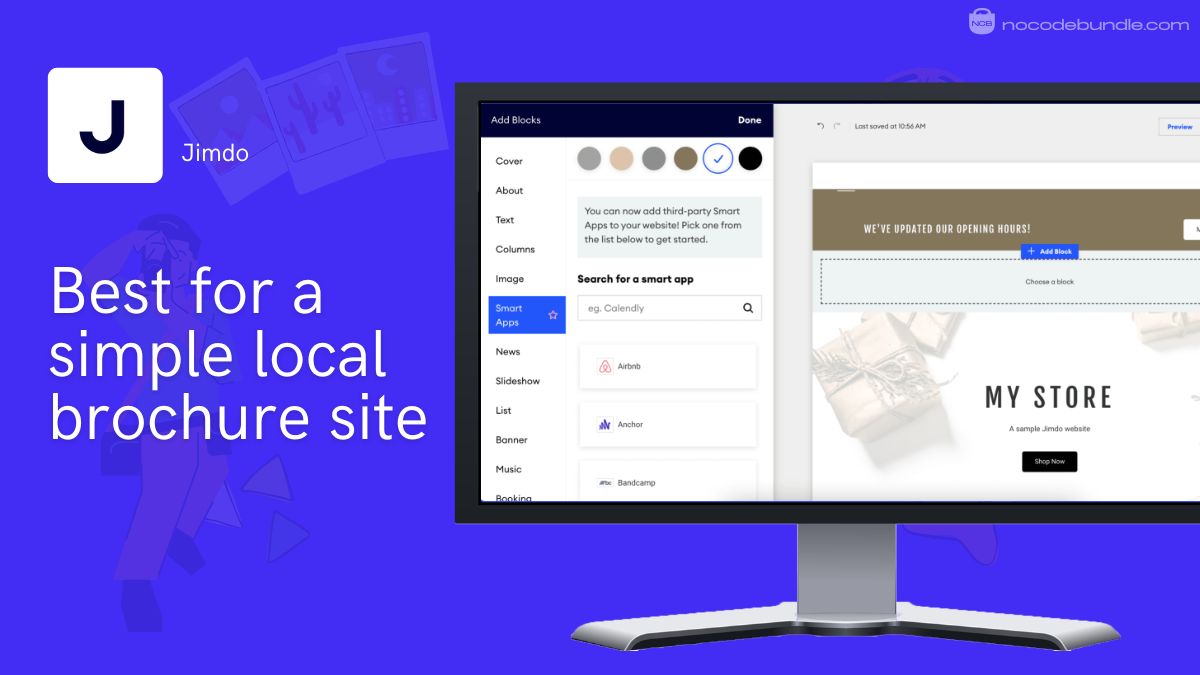
8. Jimdo: Best for a simple local brochure site
Jimdo is the pick for an owner who wants the simplest possible route to a clean, mobile-ready brochure site. Its guided AI asks a few questions about your business and builds a functional local site fast. It does the basics well and cheaply; it just is not the tool for anything complex or highly custom.
Small-business features that matter
Jimdo focuses on the essentials a local business actually needs: a guided AI that pulls in your business info, clean mobile-optimized layouts, contact details and hours front and centre, and basic analytics to see where visitors come from. It is aimed at restaurants, shops, and service providers who want a functional presence without learning a full editor. The flip side is limited room for complex or unique layouts.
Pricing and which plan to pick
Jimdo offers a free plan, with paid plans starting around $9 to $11/mo on annual billing, based on current listings (July 2026); confirm the live number on Jimdo’s site before buying. The free tier is a real testing ground; a low paid tier gets you a custom domain and removes branding, which is all a simple brochure site needs.
What users report: the consistent theme is how quick and beginner-friendly it is to stand up a tidy, mobile-ready local site. The recurring gripe is limited flexibility: once you want a complex layout or advanced features, Jimdo hits its ceiling sooner than the bigger builders.
Pros
- One of the simplest, fastest routes to a live local site.
- Clean, mobile-first output with the basics handled.
- Free plan and low paid entry price.
Cons
- Limited flexibility for complex or unique sites.
- Fewer advanced tools than Wix or Squarespace.
- You will outgrow it if the business scales.
Our top pick and why
Wix is the best AI website builder for most small businesses in 2026. It is the only tool here that gets you live fast, covers the small-business essentials (bookings, forms, SEO, and a path to a store), lets you edit almost anything the AI drafts, and backs it with the deepest template library and a healthy 4.4 out of 5 across more than 10,000 user reviews. It is not the cheapest and not the most beautiful, but it is the one that fits the widest range of owners without hitting a wall.
Why not the others? Hostinger is cheaper to start but renews steeply, so the value narrows over time. Squarespace looks better but is more rigid and has no free plan. Durable is faster for a bare-bones local site but locks you in and cannot publish free on your own domain. 10Web gives you portability but carries WordPress upkeep and uneven support. Zarla nails local SEO on a budget, yet its rating leans on trial users. Framer is the design champion but asks more of a beginner. Jimdo is the simplest but the quickest to outgrow. Pick against your one real constraint, and the shortlist gets obvious fast.
How to choose an AI website builder for your small business
Start from your single biggest constraint, then match it to a tool. The mistake owners make is chasing the flashiest 30-second demo instead of the site they can actually edit, afford, and get found on next month.
- If budget is the hard limit: start with Hostinger or Zarla for the low intro price, but commit knowing the renewal, and budget for the real number, not the headline.
- If you need leads live this week: Durable or Wix. Both get a working inquiry form up fast; Durable is quicker, Wix is more editable afterward.
- If design is the pitch: Framer for the cleanest output, or Squarespace if you want polish with an easier learning curve.
- If you want to own and move the site later: 10Web, because real WordPress underneath means you are never trapped on one platform.
- If you are a niche business: the right pick can be niche-specific. A DJ or musician, for example, needs music embeds and social integrations most builders skip.
Recommended · Related guide
Best Website Builders for DJs and Musicians
If your business lives on music embeds, social feeds, and gig listings, a general builder will miss the mark. This breakdown covers the niche-fit tools instead.
Read the guide →Tip: before you pay, check two things on the pricing page: what the plan renews at after the intro term, and whether publishing on your own domain is included. Those two numbers decide the real cost more than the headline price.
Watch out: the AI draft is a starting point, not a finished site. Every tool here fills your pages with plausible, generic copy. Rewrite the headline, the offer, and the about section in your own words before you send a single customer to it.
And if what you actually need is a web app with logins and workflows rather than a marketing site, an AI website builder is the wrong category. See our guide to creating an app without coding instead. Selling products with a lot of visual detail? Sharpen the product shots first with the right AI tools for product photography.
Key Takeaways
5 essential decisions
- Wix is the best all-round pick for most small businesses; Hostinger wins on price, Durable on launch speed.
- Check the renewal rate and whether custom-domain publishing is included before you pay.
- Treat the AI output as a first draft; rewrite the copy that represents your business.
- Want to own and move your site later? Choose the WordPress-based option, 10Web.
- Read headline ratings with care: a high score can rest on free-trial impressions, not long-term users.
Frequently asked questions
Can’t ChatGPT or Gemini just build a website for free?
What is the best free AI website builder for a small business?
Is an AI website builder enough, or do I need a designer or agency?
Why did the “free” builder ask me to pay before I could publish?
Which AI builder gives the cleanest design?
Will an AI-built site actually rank on Google and get found?