So this is not a list of buttons that spit out finished poems. It is a guide to using AI as a creative aid: a way to break a blank page, generate ideas, test a different angle, tidy up a clumsy rhyme, learn how a sonnet is built, or turn a verse you already love into a video.
We picked six tools that earn their place for real people: beginners and hobbyists, literature students, anyone writing something heartfelt for a person they love, and the fast-growing crowd making faceless nursery-rhyme and short-form video content. If you are a working poet who wants the machine to do the writing, none of these will satisfy you, and honestly they shouldn’t.
What You’ll Learn
4 key points covered
- 1The six AI poem tools worth your time in 2026, and the one job each one is best at.
- 2How to use AI on a poem without handing over your voice, written for people who are wary of it.
- 3A step-by-step workflow for turning a poem into a viral short-form clip.
- 4Honest pricing, the free tiers that are actually usable, and the commercial-rights trap to avoid.
The best AI poem generators at a glance
Here is the quick version. Every tool below has a genuinely useful free option, which is why we lead with those.
| Tool | Best for | Standout | Starting price (2026) |
|---|---|---|---|
| 1. Claude | Refining your own drafts | Reads like a patient writing partner | Free; Pro $20/mo |
| 2. ChatGPT | Fast drafts & many variations | Endless versions from one prompt | Free; Plus $20/mo |
| 3. Google Gemini | Free, multilingual poems | Strong free tier in 100+ languages | Free; AI Pro $19.99/mo |
| 4. Grammarly | Total beginners & occasion poems | One click, no sign-up needed | Free; Pro tier extra |
| 5. Canva Magic Write | Lovers, hobbyists & social posts | Poem and finished visual in one place | Free; Pro about $15/mo |
| 6. Suno | Turning poems into clips | A poem becomes a full song in minutes | Free; Pro $10/mo |
Top pick: Claude, for anyone who wants to write better rather than just generate. Runner-up: ChatGPT, for speed and sheer range of options. Best free everyday tool: Google Gemini. Best for video creators: Suno.
A note for anyone who distrusts AI poetry
If the idea of an “AI poem generator” makes you wince, you are not being precious, and we are not going to talk you out of it. A large part of the writing and art community sees generative AI as a genuine threat to a craft that is built on lived experience, and that concern is reasonable. The good news is that being wary and using these tools are not mutually exclusive. The most useful way to think about AI here is not as a poet but as a stubbornly available workshop partner: something to argue with, borrow an angle from, and ignore when it is wrong.
The clearest pattern we see among writers who actually enjoy this is that they never start with the machine. They write their own rough lines first, however bad, then bring AI in to do specific, bounded jobs: suggest three alternatives for a flat line, point out where the rhythm stumbles, or act as a faster thesaurus. The poem stays theirs because they are the one choosing what to keep. As one long-running thread on machine poetry put it years ago, the program can produce raw material, but the human doing the selecting is the one really writing the poem.
Using it as a replacement
Type a topic, copy the output, publish it. You get the flat, samey verse readers learn to spot, and none of it is really yours.
Using it as an aid
Write your draft, then ask AI to fix one rhyme, unstick one stanza, or offer an angle you missed. You keep the voice and the credit.
Everything below is written with that frame in mind. When we say a tool is good, we mean it is good at helping you make something, not at replacing the making.
How we tested and scored
We judged each tool on how well it serves the people who actually search for an AI poem generator, not on how clever the marketing copy sounds. That means weighting the things that matter for casual and creative use, and treating “produces an instant finished masterpiece” with suspicion. Pricing was checked against each vendor’s own page in June 2026. Here is how the score breaks down.
You will notice “writes it all for you” is nowhere in that list. That is deliberate. The tools that score highest are the ones that put you in the driver’s seat. For more on the wider category, our roundup of the best AI text generators covers tools beyond poetry.
1. Claude: Best for refining your own drafts
Claude is the one I would hand a half-finished poem to. It reads less like a vending machine and more like a thoughtful reader who explains why a line is weak, which is exactly what you want if the goal is to keep writing in your own voice.
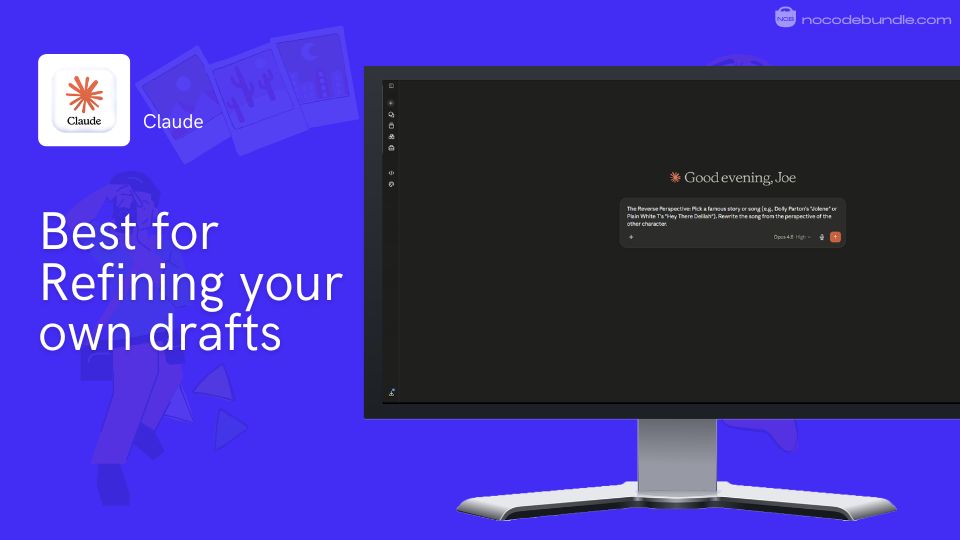
Where Claude earns its top spot is the workshop loop. Instead of generating a clean poem from a one-word prompt, it is at its best when you give it your own draft and a specific job: tighten this stanza, find a less obvious rhyme for this line, or suggest a sharper closing image. It tends to keep your phrasing and only touch what you asked it to, which is the opposite of the “rewrite everything in beige” behaviour that frustrates people about other tools. For learning, it will also walk you through why a metaphor works, so you come away a slightly better writer.
Pricing: the free plan is enough for casual, occasional poem work. Claude Pro is $20/month and lifts the daily usage caps, with Max plans at $100 and $200/month for heavy users (claude.com, checked June 2026). For poetry, free or Pro is all you need.
What users report: the recurring theme we see is people treating Claude as a writing-workshop partner that sharpens their own lines rather than replacing them, and praising it as a fast, smart thesaurus. The common gripe is hitting usage limits on the free and Pro tiers during a long session.
Pros
- Best in class for refining a draft without flattening your voice.
- Explains its edits, so you learn as you go.
- Generous, genuinely usable free tier.
Cons
- Usage caps can interrupt a long editing session.
- No built-in poem templates or one-click forms for absolute beginners.
- Like all of these, its rhyme instincts still need checking.
2. ChatGPT: Best for fast drafts and many variations
ChatGPT is the workhorse: ask for ten versions of a verse and you get ten, fast. It is the tool I would reach for when I want raw material to react against rather than a single polished answer.
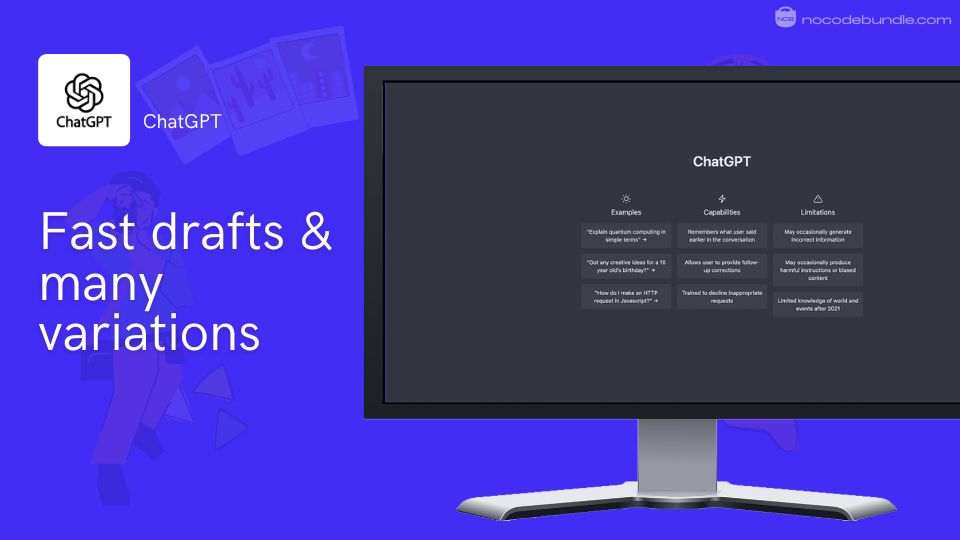
The strength here is breadth. ChatGPT will produce a sonnet, a limerick, a haiku and a free-verse take on the same idea in seconds, which makes it brilliant for brainstorming and for beating a blank page. The trick, and this is true of every chatbot, is that vague prompts give you the flat, generic verse the research warned about. Specific constraints (a form, a syllable count, banned clichés, a fixed image set) are what force it out of its default patterns. Treat the output as a pile of starting points, keep the two good lines, and bin the rest.
Pricing: the free tier covers casual use, though US users now see ads on it. Plus is $20/month, with a cheaper Go tier at $8/month and Pro tiers at $100 and $200/month for power users (chatgpt.com, checked June 2026).
What users report: the consistent praise we see is speed and flexibility, especially for generating lots of options quickly. The recurring criticism is that without strong prompting the poems come out polished but hollow, the textbook “this sounds like AI” feel.
Pros
- Unmatched for volume and variety from a single prompt.
- Handles every common poetic form on request.
- Familiar, frictionless interface.
Cons
- Default output is the most “generic AI” of the chatbots.
- Ads now appear on the free tier in the US.
- Needs careful prompting to produce anything with edge.
3. Google Gemini: Best free, multilingual option
Gemini is the everyday free pick, especially if you live in Google Docs or want a poem in a language other than English. It is capable, fast, and costs nothing for the level most people need.
The free tier is the headline. Gemini gives you strong everyday poem generation at no cost, with solid support across more than a hundred languages, which makes it the obvious choice for multilingual cards, bilingual families, or anyone writing for an audience that does not read English. It also sits inside Google Docs and Gmail, so dropping a generated verse straight into a real document takes no copying between apps. As a pure poetry engine it is a touch safer and more generic than Claude, but for free, everyday drafting it is hard to beat.
Pricing: the free plan is the one most poem writers will use. Google AI Pro is $19.99/month and adds higher limits plus storage, with an Ultra tier from $99.99/month for heavy users (verified June 2026). If you need polished poems in several languages, our guide to the best AI tools for language translation pairs well with this.
What users report: people consistently rate the free tier and the multilingual range highly, and value the tight Google Docs integration. The common complaint is that its poems can feel a little safe and formulaic compared with the more characterful chatbots.
Pros
- Excellent, genuinely free everyday tier.
- Strong multilingual output.
- Works right inside Docs and Gmail.
Cons
- Output can be on the safe, generic side.
- Less adept than Claude at fine line-by-line editing.
- Fewer hand-holding features for first-timers.
4. Grammarly: Best for total beginners and occasion poems
Grammarly’s free poem generator is the one to send someone who has never used an AI tool. There is no sign-up, no prompt craft, and no learning curve: pick a theme and a form, and a tidy poem appears.
This is the easiest on-ramp on the list. The web generator is free, requires nothing, and is built around exactly the use case most people have: a poem for a card, a toast, an anniversary, or a quick social caption. Choose a tone and a structure (sonnet, haiku, limerick, free verse) and it does the rest. The trade-off is depth. There is little control over the output beyond the presets, so it is great for a heartfelt one-off and weak for anyone who wants to shape, refine, or grow as a writer. Treat the result as a first draft and personalise it before you sign your name to it.
Pricing: the poem generator itself is free to use on the web. Grammarly’s paid Pro subscription adds its wider writing-assistant features but is not needed just to generate poems (grammarly.com, checked June 2026; confirm the current Pro price before relying on it).
What users report: beginners love how instant and frictionless it is for occasion poems and quick captions. The recurring limitation people note is shallow customisation: it is built for speed, not for serious editing or unusual forms.
Pros
- No sign-up, no cost, no learning curve.
- Purpose-built for cards, gifts and occasions.
- Clean presets for common forms.
Cons
- Very little control over the output.
- Not a tool for refining your own drafts.
- Results need personalising to feel sincere.
5. Canva Magic Write: Best for lovers, hobbyists and social posts
Canva is the pick when the poem is only half the job and you also need it to look good. Magic Write drafts the verse, and you are one step away from a finished card, poster, or Reels frame in the same place.
What sets Canva apart is that it closes the loop from words to visual. For a love poem you want to print and frame, a quote graphic for Instagram, or a captioned vertical clip, the poem and the design live in one tool, so you are not copying text between apps. Magic Write handles the drafting (with a small number of free AI uses), and Canva’s templates handle the look. As a serious poetry engine it is shallower than the chatbots, but for the lover, the hobbyist and the social creator, the combination of decent verse and instant design is the whole point.
Pricing: the free plan includes roughly 50 Magic Write uses a month, enough for occasional poems. Canva Pro is about $15/month (or around $120/year) and unlocks far more AI use plus the full template and asset library, with Business at $20/user/month (verified June 2026).
What users report: the standout praise is the speed of going from idea to a polished, shareable design without leaving one tool. The common note is that the free AI allowance runs out quickly, so regular creators end up on Pro.
Pros
- Poem and finished visual in a single workflow.
- Ideal for cards, quote graphics and social posts.
- Huge template and asset library.
Cons
- The writing itself is shallower than the chatbots.
- Free AI credits run out fast.
- Premium assets nudge you toward a paid plan.
6. Suno: Best for turning poems into clips
Suno is the bridge from page to screen. If your real goal is a nursery-rhyme channel, a Reel, or a Short, Suno turns a finished verse into a sung track in minutes, which is the hard part of the whole pipeline.
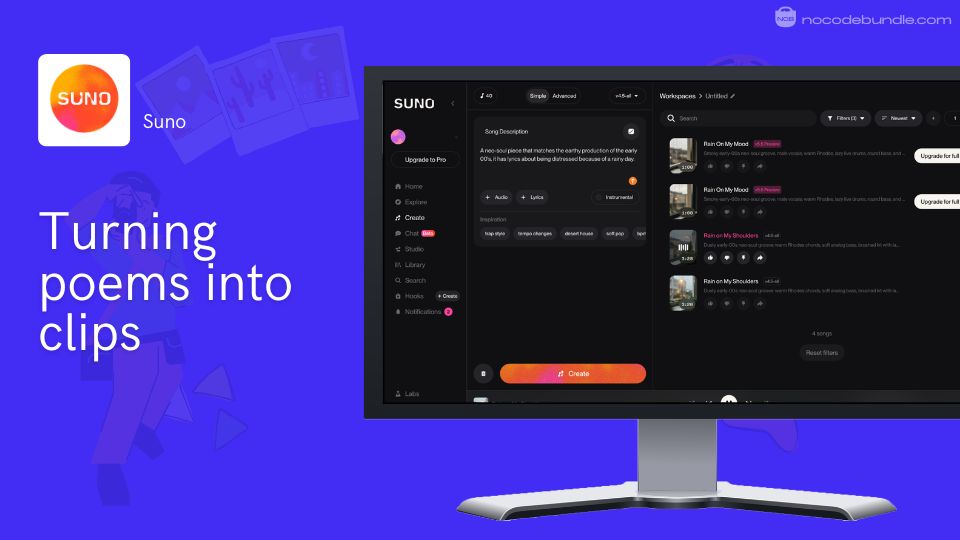
Suno is genuinely the easiest way to hear your words as music, which is why it has become the engine behind so much faceless video content. You paste lyrics, pick a style, and it produces a full track with vocals. The two things to know going in both come straight from the creator community. First, pacing: lines that are too dense get rushed, so keeping each line to around seven or eight syllables gives the vocal room to breathe and stops it sounding robotic. Second, sameness: many creators feel recent versions make everything sound alike, so varying your structure and editing the output matters if you want to stand out.
Watch out: Suno’s free tier gives you no commercial rights. If you plan to monetise a channel, you need a paid plan active at the moment you generate the track, or you risk a copyright strike on your own video.
Pricing: the free plan gives 50 credits a day (about ten short songs) but is strictly non-commercial. Pro is $10/month ($8/month billed annually) and adds commercial rights plus 2,500 monthly credits; Premier is $30/month for heavy output (suno.com, checked June 2026).
What users report: the praise is how fast and easy it is to turn an idea into a listenable song, often described as the Canva of music. The recurring criticisms are that tracks can sound generic and that editing controls are still basic.
Pros
- Fastest way to turn a poem into a finished song.
- Real, usable free tier for learning.
- The natural engine for faceless video content.
Cons
- Free tier has no commercial rights, a real trap for creators.
- Output can sound samey without editing.
- Fine editing controls are limited.
How to turn an AI poem into a viral clip
This is the part most “best AI poem generator” lists ignore, even though it is exactly what nursery-rhyme YouTube channels, Reels and Shorts creators are trying to do. The good news is the workflow is simple once you see it as a chain: words, then audio, then visuals, then the post. Here is the order that actually works.
The poem-to-clip workflow
5 steps, start to post
- 1Write the verse in your voice, then tighten it. Draft with Claude or ChatGPT, but keep lines short. Around seven or eight syllables per line stops the audio from rushing your words later.
- 2Turn it into audio. Use Suno for a sung version (perfect for nursery rhymes and jingles), or a dedicated narration tool if you want spoken word. Remember the commercial-rights rule before you publish.
- 3Build the visuals. In Canva (or an AI video tool), set a 9:16 vertical canvas, give each line its own scene, and add on-screen captions for silent autoplay.
- 4Kill the “this is just AI” tells. Vary the structure, fix any rushed or mispronounced lines, and match the cuts to the beat.
- 5Check rights before posting. Confirm your music plan covered commercial use at generation time, and keep the files and dates in case you ever need to prove ownership.
Recommended · Related guide
Best AI voice generators
For spoken-word narration instead of a sung track, a dedicated voice tool gives you cleaner control over tone and pacing.
Explore AI voice generators →Tip: batch your work. Write five short poems in one sitting, generate all five tracks together, then design the visuals in one Canva session. Faceless channels live or die on consistency, and batching is how you keep a posting schedule without burning out.
Our top pick and why
Claude is our overall pick because it is the tool that most respects the thing that makes a poem worth reading: your own voice. It is the best at taking a draft you care about and making it sharper without making it generic, and it teaches you something while it does it. For the specific job of writing better poetry, that matters more than raw speed.
That said, the right tool depends on the job. ChatGPT wins if you want speed and a flood of options to react against. Gemini is the best free everyday choice, especially across languages. Grammarly is the gentlest start for someone who has never touched AI. Canva is unbeatable when the poem needs to become a visual. And Suno is the one to use when your poem is really destined to be a video. None of them is trying to replace the writer, and you should not let any of them.
Key Takeaways
5 essential decisions
- Use AI to refine your own draft, not to write the poem from scratch.
- Claude for shaping your work, ChatGPT for fast options, Gemini for free and multilingual.
- For cards and social posts, Canva gets you poem plus visual in one place.
- For video, Suno is the engine, but a paid plan is required for commercial use.
- Always check rhymes yourself; AI is the least reliable here.
How to choose the right one for you
Pick by what you are actually trying to do, not by which tool is most famous. A quick way to decide:
- You are a beginner or writing for an occasion: start with Grammarly’s free generator, then personalise the result.
- You are a hobbyist who wants to improve: draft on your own, then refine with Claude.
- You are a literature student: use ChatGPT or Claude to study how a form is built, then write your own and compare. Our list of the best AI tools for college students covers the wider study workflow.
- You are writing something for a person you love: Canva, so it ends up as a finished, giftable thing.
- You are building a video channel: Suno, on a paid plan, with the pacing tips above.
Tip: AI is genuinely poor at hearing rhyme, so do not trust it blindly there. Keep a dedicated rhyme site like RhymeZone or WordHippo open alongside whichever tool you choose, and make the final rhyme call yourself.
Recommended · Related guide
Best free generative AI tools for 2026
If “free” is your main filter, this roundup goes beyond poetry to the wider set of no-cost AI tools worth using.
See the free tools →Frequently asked questions
Which AI writes the most creative-sounding poems?
Can I use AI for poetry without it replacing my own creativity?
Are AI poem generators actually good at rhyme and meter?
Should I treat an AI poem as finished, or as a draft?
Why do my AI poem-songs sound generic, and how do I fix it?
Can I use AI poem-songs commercially on YouTube or Reels?
Is there a genuinely free AI poem generator?