The best AI website builder for travel agencies in 2026 is the one that turns a visitor into a lead, not a self-booked trip, and gives you a site you actually own. That single sentence cuts against almost every “best builder” list ranking on this keyword, because most of them quietly assume you want a booking engine bolted to your homepage. For an independent travel advisor or a small agency, that assumption is usually backwards.
I’m not a travel advisor. But I tested these tools the way one would need to use them, and I read through what advisors actually report: more than 200 reviews from travel, tourism, and hospitality businesses across the web, plus the unfiltered back-and-forth in advisor communities. The pattern was consistent enough to build a whole ranking around, and it’s the reason this list looks different from the others.
Below: seven AI website builders ranked for the work a travel business actually needs done, plus one travel-specific alternative that isn’t AI but earns its place. Every price was re-checked against the vendor in 2026. Every tool gets honest cons, including our top pick.
What You’ll Learn
4 key points covered
- 1Why a travel-agency site is a lead-capture decision, not a booking-engine one, and how that changes the rankings.
- 2The seven AI builders worth your time, each scored against the job advisors actually need done.
- 3Where the popular “easy” pick frustrates real advisors, and which tool gives you a site you genuinely own.
- 4Current 2026 pricing, the renewal traps to watch, and how to pair your site with a domain, email, and CRM.
AI website builders for travel agencies compared
Wix is the best all-round AI builder for most travel agencies. If budget is the only constraint, Hostinger gets you live for the price of a coffee. If owning your site outright matters most, and for a travel advisor it should, 10Web builds you a real WordPress site with AI. Tap any tool name to jump straight to its full review.
| Tool | Best for | Standout | Starting price (2026) | User rating |
|---|---|---|---|---|
| 1. Wix | All-rounder | Mature AI build, bookings, SEO | $17/mo (Light, annual) | 4.4/5 (10,713) |
| 2. Hostinger | Budget / fastest build | Full site for about $3/mo | From $2.99/mo (48-mo term) | n/a |
| 3. 10Web | An owned WordPress site | AI build on real WordPress | $10/mo (annual) | 3.8/5 (44) |
| 4. Durable | A site in minutes | 30-second build, built-in CRM | Free; $22/mo (Launch, annual) | n/a |
| 5. Framer | Design-led advisors | Designer-grade output, free domain | Free; $10/mo (Basic, annual) | n/a |
| 6. Squarespace | Templates (with a caveat) | Best-looking templates | $16/mo (Basic, annual) | 4.6/5 (3,404) |
| 7. Zarla | Local SEO + lead capture | Lead forms and bookings built in | Free; from $2.99/mo (36-mo term) | 4.8/5 (192) |
| Bonus: Travefy Not AI | Travel-specific alternative | Itineraries, forms, own-brand | From $25/mo | 4.5/5 (20) |
Top pick: Wix. Runner-up: 10Web (best owned site). Budget / fastest: Hostinger. Best travel-specific tool: Travefy. Ratings are shown with their review counts so you can weight them yourself. A few tools don’t have enough public reviews to score, so we read the broader sentiment instead and say so in their sections.
How we tested & scored
We scored every tool against the one job a travel-agency website exists to do: convert a visitor into a lead or a booked consultation, on a site the advisor owns. We deliberately did not reward self-service booking, because the evidence, both from advisors and from travel-industry bodies, is that it’s the wrong feature for travel agents. The weights reflect that stance.
Wherever a tool had enough public reviews, we read them with their sample size in mind: a 4.8 from nearly 200 reviews and a 4.5 from 20 are not the same kind of number. Where a tool had little or no public review history, we leaned on its current performance and the broad sentiment we could find, and we never invent a rating to fill the gap.
1. Wix: Best all-rounder
Wix is the safest pick for most travel agencies: its AI builds a credible draft from one prompt, the lead forms and “book a call” tools are mature, and the SEO controls are real. The honest catch is price creep. You’ll want the Core plan, and the renewal is where Wix earns its reputation.
Hands-on
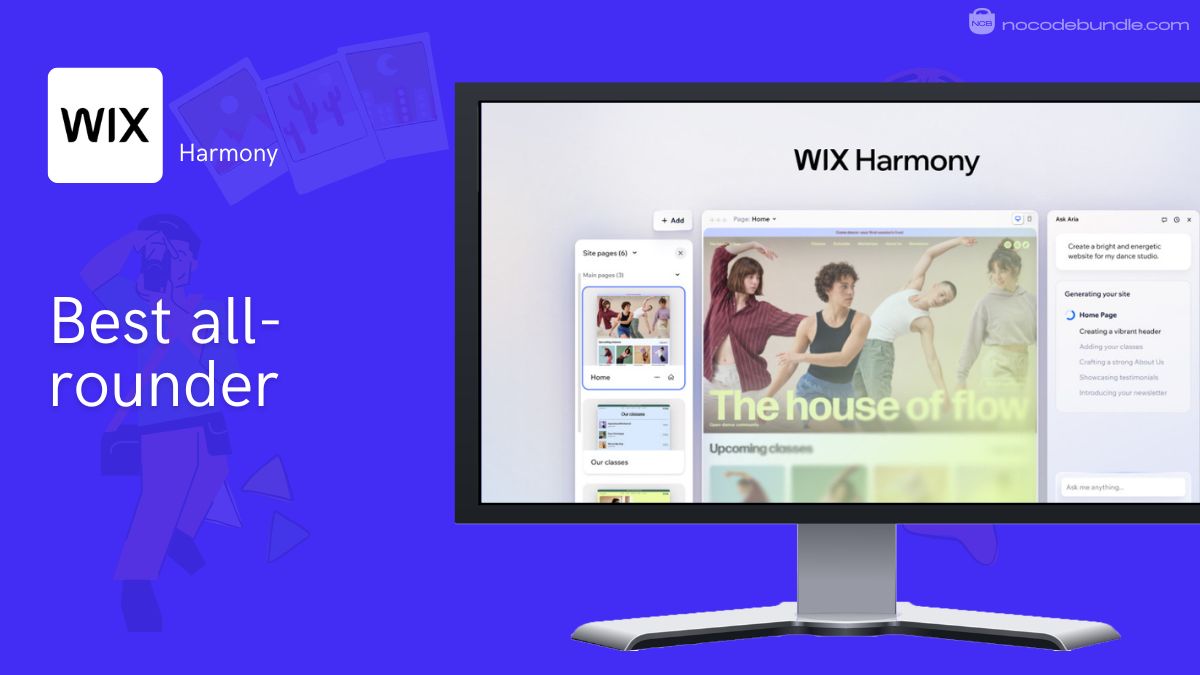
Wix’s AI ecosystem, branded as Harmony with an assistant called Aria, generates a full site from a single description and then lets you refine it by conversation or by hand. For a travel business, the parts that matter are all present: customisable inquiry forms, appointment booking, and editable SEO titles and meta descriptions on every page. You can run a lead-capturing “work with me” site without ever switching on a self-booking checkout, which is exactly the configuration most advisors should want.
Pricing & which plan: the Light plan is $17/mo billed annually and removes Wix branding, but you’ll likely want Core at $29/mo (annual) because that’s the tier that unlocks bookings, payments, and the business apps. There’s a free plan with Wix branding for testing, and a 14-day money-back guarantee. (Wix, 2026.)
What users tell us: across more than 10,000 user reviews (Wix sits at 4.4/5, with 188 on Capterra of those from travel and hospitality businesses), the recurring praise is the drag-and-drop freedom and professional-looking results with zero code. The recurring frustration is cost: multiple advisors flag a steep jump at renewal after the first year, and a sense that the feature you need is always one tier up.
Pros
- Mature AI build plus the deepest set of lead-capture and booking tools here.
- Real, editable SEO controls on every page.
- Huge template library and app market for travel-specific add-ons.
Cons
- Renewal and add-on costs climb fast; the cheapest plan won’t cut it for a business.
- The sheer number of options can overwhelm a non-technical advisor at first.
- You’re locked into the Wix ecosystem; exporting your site elsewhere isn’t straightforward.
2. Hostinger: Best budget / fastest AI build
Hostinger gets a professional, AI-generated travel site live for roughly the price of a coffee a month, genuinely the cheapest credible option here. The catch is the contract: that headline price needs a multi-year commitment, and the renewal is several times higher.
Hands-on
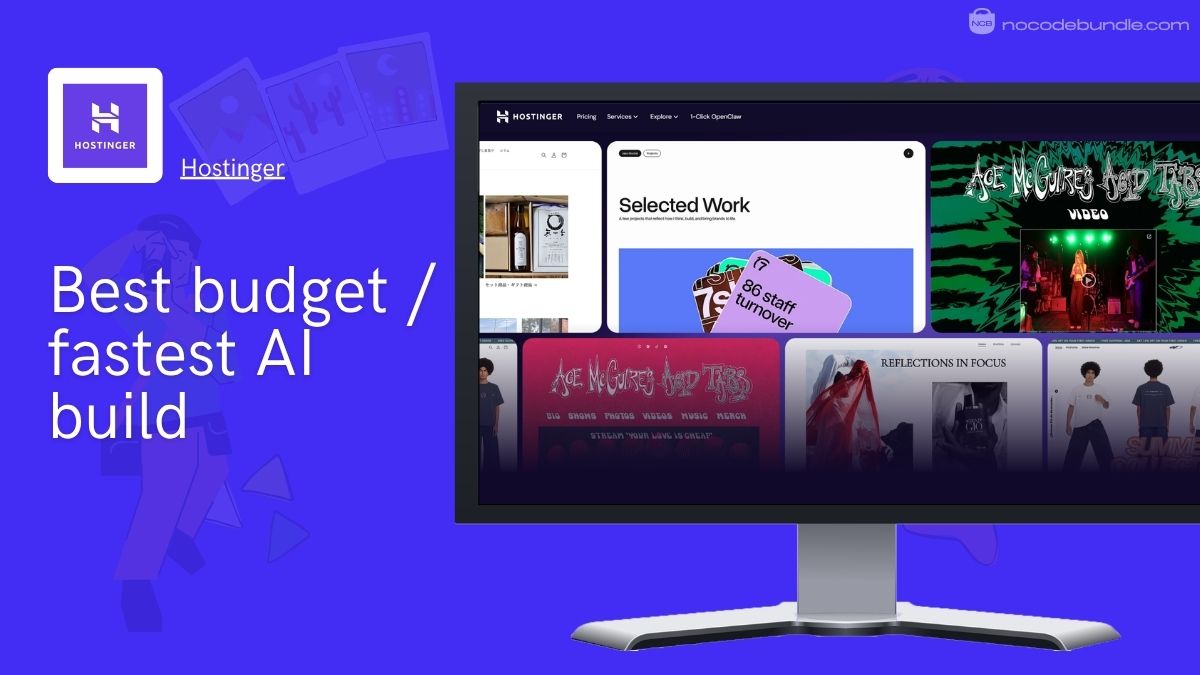
Hostinger’s AI builder takes a plain-language prompt and returns a complete multi-page site in seconds, hosting included. For a travel advisor who just needs a credible presence (your story, your services, a contact form, a “book a call” button) it covers the niche-critical basics, with a built-in SEO assistant and AI copy tools. You’ll need the Business builder tier if you ever want to sell anything directly.
Pricing & which plan: the AI website builder Premium tier runs from about $2.99/mo on a 48-month term (or roughly $3.99/mo billed annually), with the Business builder near $3.99/mo. There’s no permanent free plan, but you get a 14-day trial and a 30-day money-back guarantee, plus a free domain for the first year. The important part: renewal jumps to around $11/mo regardless of your original term. (Hostinger, 2026.)
Watch out: the “$2.99/mo” you see advertised is the divided-up cost of a four-year prepaid contract, charged upfront. Budget for the renewal rate from day one, and treat the cheap entry price as a three-to-four-year decision, not a monthly one.
What users report: the consistent theme is value, users rate Hostinger highly for what you pay and for how quickly a beginner can get live. The recurring gripes are slower support response at busy times and that same renewal jump once the intro term ends.
Pros
- The cheapest credible AI build here, hosting and first-year domain included.
- Fast, genuinely beginner-friendly setup from a single prompt.
- SEO assistant and AI content tools baked in at the entry price.
Cons
- Headline price requires a multi-year prepaid commitment; renewal is far higher.
- Design and feature depth trail Wix and Squarespace.
- You’re inside Hostinger’s ecosystem, with limited portability if you outgrow it.
3. 10Web: Best for an owned WordPress site, built by AI
10Web is the pick when ownership matters: its AI generates a real WordPress site you can take with you, hosted on Google Cloud and editable in Elementor. The catch is operational, it’s the only tool here with a real negative tail in its reviews, and the friction is mostly around billing and support.
Hands-on
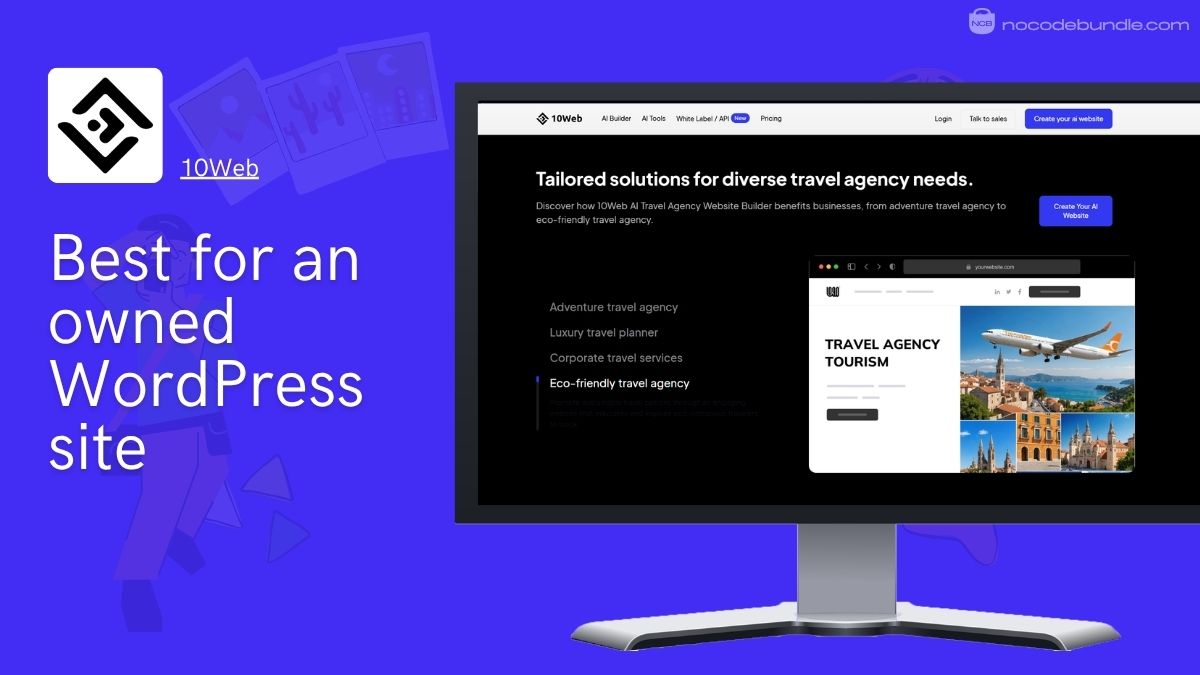
Here’s why 10Web sits where it does in our ranking despite a lower score: it’s the only AI builder on this list that hands you an actual WordPress site rather than a closed platform. For a travel advisor, that’s the antidote to the single biggest pain in this niche, losing your site and your leads because they lived on someone else’s platform. You get a custom domain, full export, the Elementor editor, and managed hosting on Google Cloud, so the AI saves you the build without trapping you afterward.
Pricing & which plan: the AI Starter (Business) plan is $10/mo billed annually, with AI Premium at $15/mo. The initial AI generation is free to preview, followed by a 7-day Pro trial; there’s no permanent free plan, and a free custom domain (up to $30) is included on Pro plans for the first year. (10Web, 2026.)
What users tell us: 10Web’s 3.8/5 from 44 user reviews on Capterra is bimodal, praise the AI generation is fast and the Google Cloud hosting is quick. The negatives cluster tightly around billing and account friction (extra services pushed into separate accounts, disputes over plan terms) and AI credits being burned up during troubleshooting. A few reviewers note email isn’t built in, so you’ll pair it with a separate provider.
Pros
- AI builds a real, portable WordPress site you fully own.
- Fast managed hosting on Google Cloud with strong page-speed scores.
- Elementor editing means near-unlimited customisation later.
Cons
- The clearest negative tail of any tool here, mostly billing and support complaints.
- WordPress underneath means more to manage than a closed builder.
- No built-in email; budget for a separate provider.
4. Durable: Best for a site in minutes
Durable is the fastest way onto the web here, a complete site in about 30 seconds, and it bundles a CRM, invoicing, and lead forms into one subscription, which fits the advisor’s job neatly. The catch is design depth: you work inside pre-made blocks, with a handful of templates and no real blog or store.
Hands-on
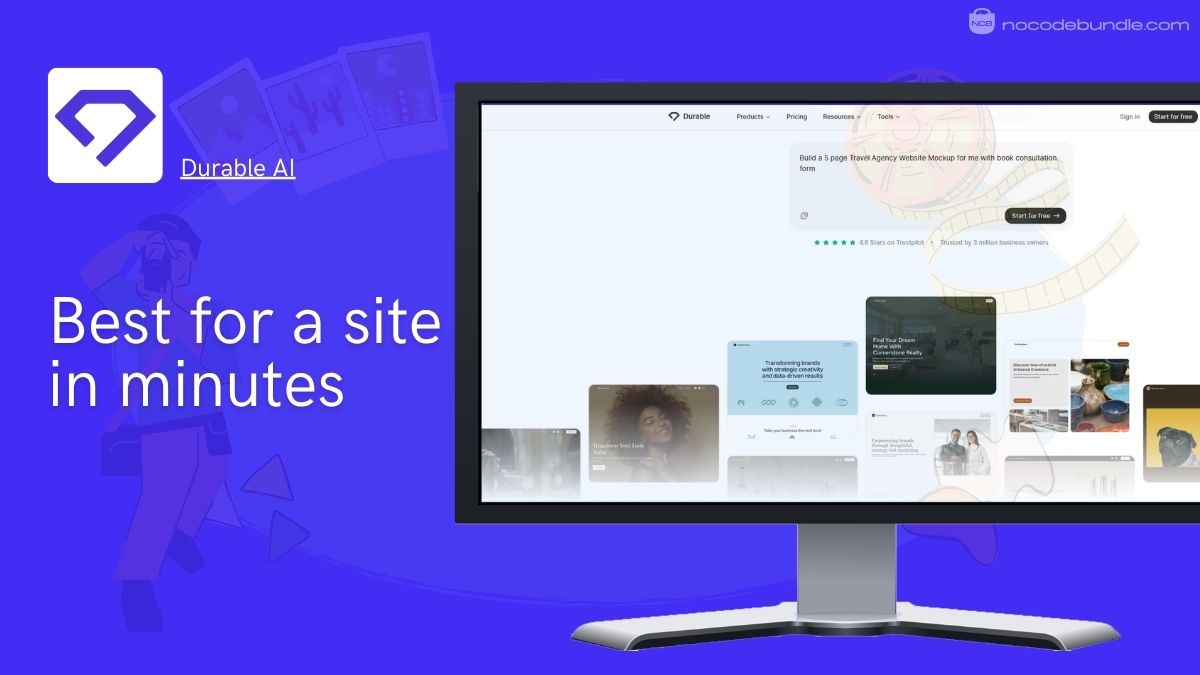
Durable answers three questions about your business and generates a working site almost instantly, on Cloudflare hosting. What makes it interesting for travel advisors is the bundle: AI-powered lead forms and a chatbot, an integrated CRM for managing contacts, and invoicing, the exact stack a solo advisor would otherwise stitch together. It’s a genuine fit for the “turn visitors into a consultation” goal, and a tourism owner we came across in advisor circles built a clean, booking-ready site on it in minutes, so the speed claim holds up in the wild.
Pricing & which plan: there’s a free plan (Durable subdomain, 5 AI images per month) and a Launch plan at $22/mo billed annually ($25/mo monthly) that adds a custom domain, the full CRM, and invoicing. (Durable, 2026.)
What users report: the standout praise is speed and a surprisingly responsive support team for a tool at this price. The recurring criticism is limited design flexibility, you’re working within set templates and blocks, so heavily customised or content-heavy sites quickly hit a ceiling.
Pros
- Fastest build here, with CRM, lead forms, and invoicing in one subscription.
- Free plan lets you generate and preview before paying.
- Bundled tools match the advisor’s lead-capture workflow well.
Cons
- Limited design control, pre-made blocks and only a few templates.
- No proper blog or CMS and no real store (just a Stripe payment button).
- Pricier than Wix, Hostinger, or Squarespace for what you get.
5. Framer: Best for design-led advisors
Framer is for the advisor who came from a design or tech background and can’t stand a templated look. Its AI and visual editor produce genuinely distinctive, animated sites. The catch is that it’s a design tool first, so lead capture and SEO are capable but not as turn-key as the all-rounders.
Hands-on
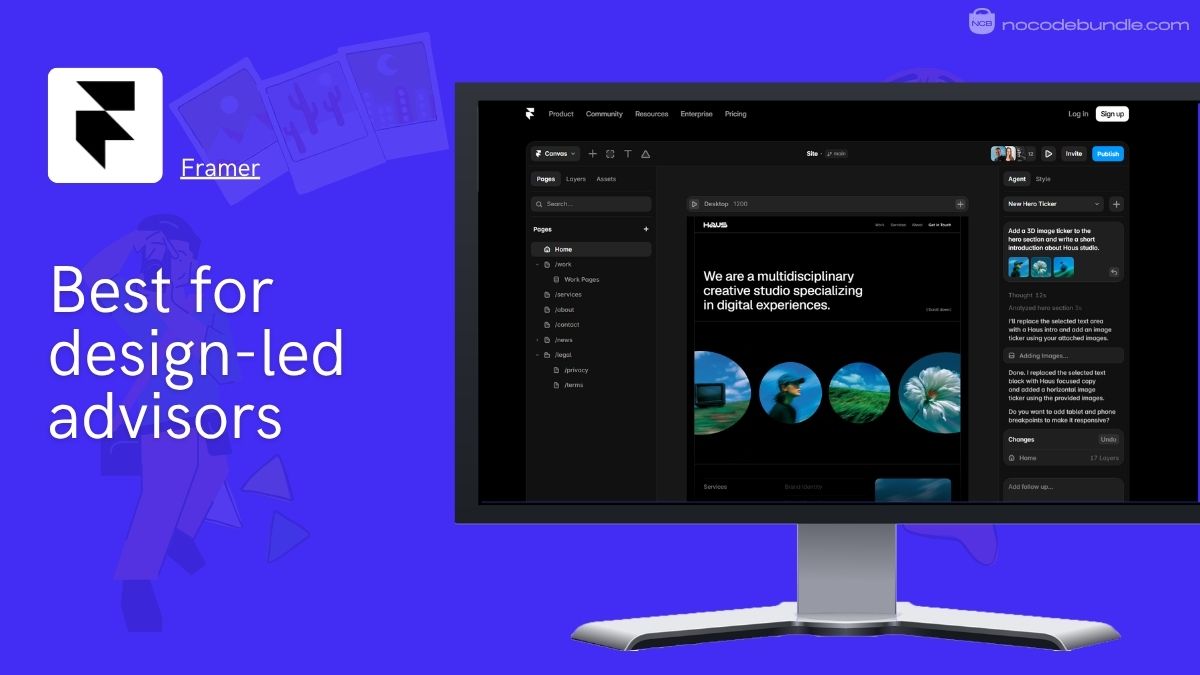
Framer gives you design freedom the others can’t match, fine control over layout, type, and motion, with AI tools to get a first draft down fast. Form submissions are now unlimited on every paid plan, so basic lead capture is covered, and any paid tier includes SEO settings. It won’t hand you a CRM or a booking system out of the box, so it suits the advisor who wants a beautiful, owned brand site and is happy to plug in tools around it.
Pricing & which plan: the free plan publishes to a Framer subdomain with a badge; the Basic plan at $10/mo billed annually ($15 monthly) adds a free custom domain, and Pro at $30/mo unlocks staging, more CMS, and analytics. Framer began including free custom domains on paid plans in early 2026. (Framer, 2026.)
What users report: designers and design-minded owners rate Framer highly for the quality and polish of the output, it’s the tool people reach for when they don’t want a cookie-cutter site. The common caveat is the learning curve, and that getting real business features means stepping up to the Pro plan.
Pros
- The most design-distinctive output here, no templated “AI site” look.
- Free custom domain on the affordable Basic plan; unlimited form submissions on paid tiers.
- Strong AI and visual editing for advisors who care about UX.
Cons
- No built-in CRM or booking system; you assemble those yourself.
- Steeper learning curve than the one-prompt builders.
- Free plan can’t use a custom domain, so it’s testing-only for a business.
6. Squarespace: Best templates (and where it frustrates advisors)
Squarespace has the most beautiful templates of anything here, and its public reviews are glowing. But there’s a real gap between those reviews and what working travel advisors report, and its “AI” is guided design, not a true prompt-based builder. Gorgeous, but go in clear-eyed.
Hands-on
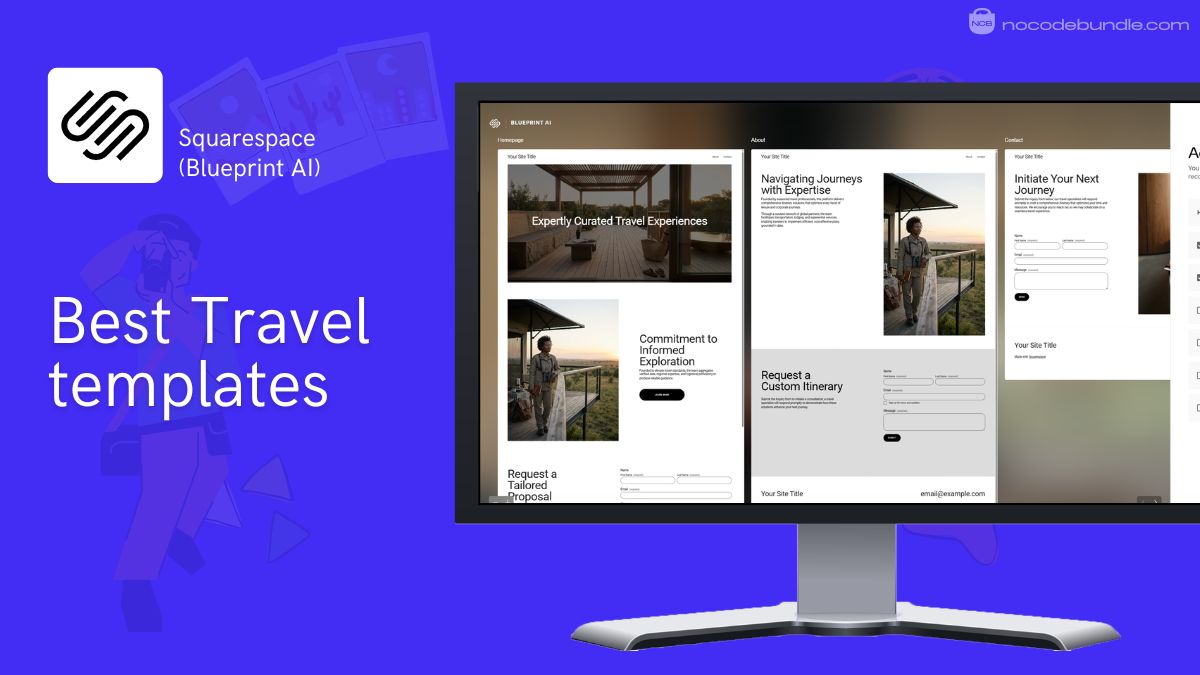
The editor feels unintuitive once you go past the defaults, and SEO is limited. Worth knowing too: Squarespace’s “Blueprint AI” guides you through templated choices rather than building from a prompt and iterating in chat. And appointment booking isn’t in the base plan, it’s a separate Acuity Scheduling add-on, which matters when the whole point is to “book a call”.
Pricing & which plan: after its 2026 four-tier reshuffle, Basic is $16/mo and Core is $23/mo, both billed annually; there’s no free plan, just a 14-day trial, with a free domain for the first year on annual plans. Core is the realistic floor for a business site (it adds custom code and richer features). (Squarespace, 2026.)
What users tell us: Squarespace is 4.6/5 from more than 3,400 user reviews on Capterra, most reviews praise looks, while hands-on advisor accounts repeatedly raise editor friction and weaker SEO. Both things are true at once; the templates are gorgeous, and the day-to-day can grate.
Pros
- The most beautiful templates of any builder here.
- Strong brand and portfolio presentation out of the box.
- Large, credible base of positive reviews.
Cons
- A recurring “I regret it” thread among working advisors, editor friction and limited SEO.
- Its AI is guided design, not a true prompt-and-iterate builder.
- Appointment booking needs the paid Acuity add-on, not the base plan.
7. Zarla: Best for local SEO & lead capture
Zarla is built around exactly the job this list cares about: it generates a fast, SEO-focused site with lead-capture forms and booking CTAs baked in, even on the free plan. The catch is generic AI copy you’ll need to rewrite, and a teaser price that hides a multi-year contract.
Hands-on
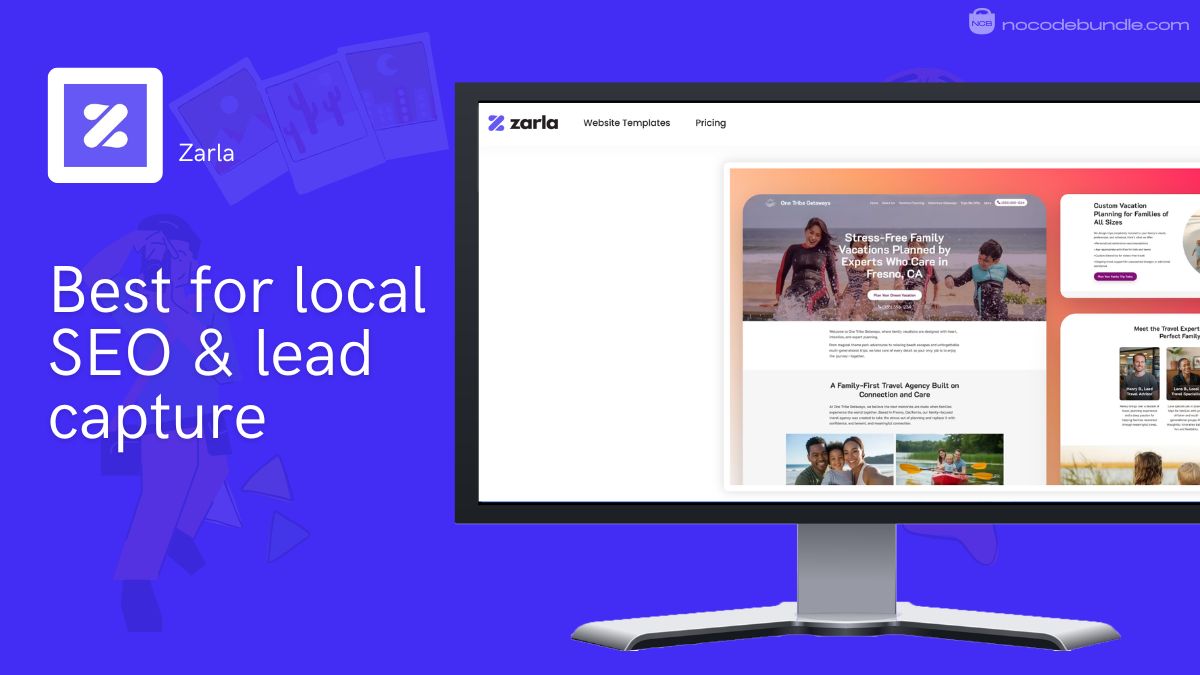
Zarla’s whole pitch lines up with the advisor’s goal: it generates a mobile-first, on-page-SEO site in under a minute and ships with contact information, call-to-action buttons, lead forms, and instant bookings as standard, even free. For a local travel advisor whose buyers just need to find your services and a way to reach you, that’s the right shape of tool. The two things to manage: the AI-written copy is generic and reads like a template until you rewrite it, and the cheapest price assumes a long commitment.
Pricing & which plan: there’s a genuine free plan (with Zarla branding) that still includes lead forms and bookings; Premium starts at $2.99/mo on a 36-month term (renewing around $11.99/mo), with Business at $6.99/mo on the same long term, and a month-to-month option near $9/mo. (Zarla, 2026.)
What users tell us: Zarla shows 4.8/5 from 192 user reviews on Capterra, but roughly 84% are five-star, a near-perfect distribution we read with caution rather than treating as precision. The consistent praise is speed and beginner-friendliness; the recurring nitpicks are generic AI copy, lower-quality icons, and some confusion during domain setup.
Pros
- Lead forms, booking CTAs, and on-page SEO built in, even on the free plan.
- Fastest path to a local-SEO-ready site, and your domain and site stay yours.
- Very low entry price for a hosted site with a free first-year domain.
Cons
- AI copy is generic; plan to rewrite most of it.
- Teaser pricing needs a multi-year contract; renewal is much higher.
- Thin on integrations and design variety versus the bigger builders.
Bonus: Travefy (the travel-specific alternative, not an AI builder)
Travefy isn’t an AI website builder, it’s a tool built by and for travel advisors, and that’s exactly why it’s here. Branded itineraries, custom inquiry and booking forms, a CRM, your own domain and email: it speaks the niche’s language. The catch is rigid itinerary design and a monthly fee that stings if you’re a light user.
Hands-on
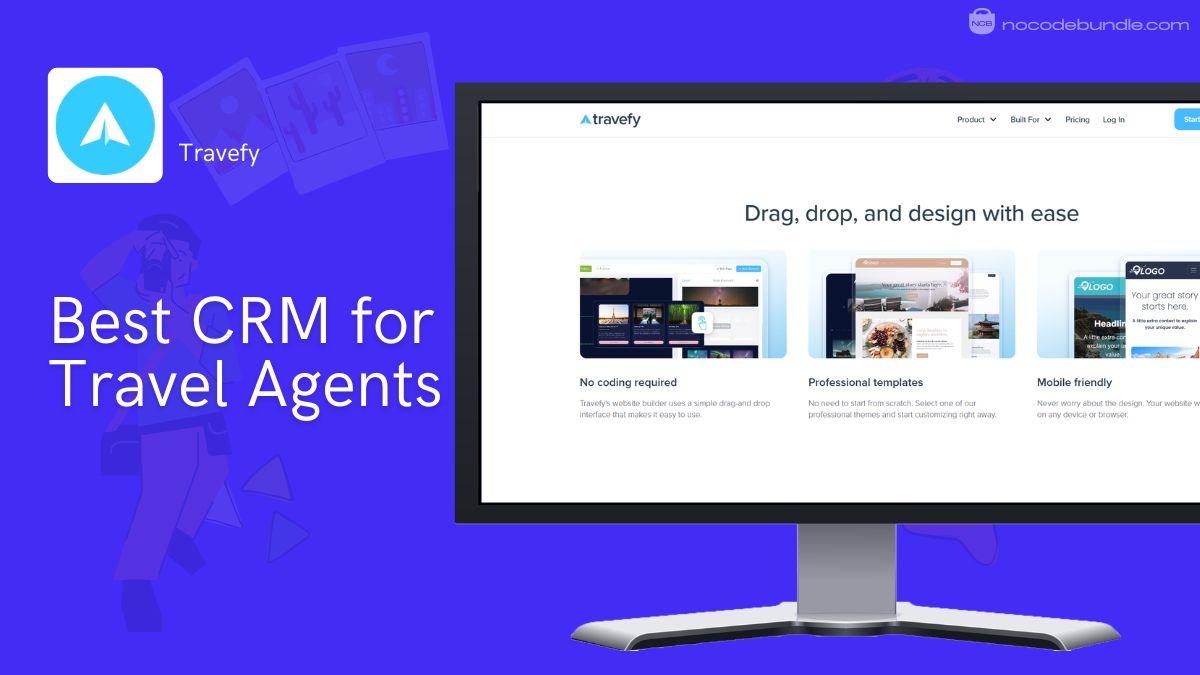
Where the AI builders give you a generic site you adapt to travel, Travefy starts from the travel workflow. You get a drag-and-drop itinerary and proposal builder, custom forms (booking, passport info, even credit-card authorisation), a client CRM, invoicing, a simple website builder with custom domain and branded email, and AI-assisted import from hundreds of suppliers. For lead capture and looking professional from day one, it’s purpose-built. Just be clear it’s a platform you operate, not a one-prompt site generator.
Pricing & which plan: Travefy’s current promoted entry (its New Travel Agent Program / Pro) is $25/mo, with Premium adding custom domain and email hosting; some listings show single-user Pro nearer $39 to $49/mo billed annually, so confirm the live figure for the tier you want. There’s a 10-day free trial, no card required. (Travefy, 2026.)
What users tell us: Travefy is 4.5/5 from 20 user reviews on Capterra, all of them on-audience since it’s a travel tool. The praise is the client-facing polish, branded itineraries you send as a single link, a reusable content library, and a CRM that keeps client details together. The recurring frustration is limited flexibility in itinerary layout (it can look “clunky” when presenting) and a monthly fee that feels high for light users.
Pros
- Built for advisors: itineraries, proposals, forms, CRM, own-brand domain and email.
- Client-facing output looks professional with little effort.
- Everything stays under your brand and your control.
Cons
- Not an AI website builder, a different tool for a different job.
- Limited control over itinerary layout and formatting.
- Monthly cost is steep if you don’t use it heavily.
Our top pick & why
Wix is our overall pick for most travel agencies. It’s the only tool that combines a mature AI build with the deepest, most turn-key set of the things this niche actually needs, lead forms, “book a call”, real SEO controls, without forcing you toward self-booking. For an advisor who wants one platform that does the job well and won’t be outgrown next quarter, it’s the lowest-risk choice. Its weakness is cost creep, so go in expecting the Core plan and a renewal bump.
Here’s the honest “why not the others”:
- 10Web is the better choice if owning and being able to move your site outranks everything (it’s our runner-up for exactly that reason), but its billing-and-support tail is real.
- Hostinger wins purely on price, as long as you accept a multi-year contract and a higher renewal.
- Durable is the fastest start and bundles a CRM, but trades away design control.
- Framer is the design connoisseur’s pick, weaker on out-of-the-box lead tooling.
- Squarespace has the prettiest templates but only guided “AI” setup.
- Zarla nails lead capture cheaply but ships generic copy on a long contract.
- Travefy is the best travel-specific tool, but it’s a workflow platform, not an AI builder.
How to choose an AI website builder for your travel agency
The single most useful reframe: you’re not buying a booking engine, you’re buying a lead machine you own. Hold that in mind and the choice gets simpler.
Generic AI builders optimise for
Self-service booking the audience rarely uses, dressing your site up like a generic online travel site.
The right pick optimises for
Lead capture, a credible personal brand, and a site (plus its leads and analytics) that you own.
Own your site, don’t rent it from your host. The most important decision isn’t which builder, it’s whether the site is yours. A host-agency-supplied site, along with its leads and analytics, can disappear the day you change hosts. Owning your domain and platform protects your brand and your data. That’s the whole reason ownership carries real weight in our rubric, and why 10Web, with its portable WordPress output, ranks above flashier options.
Skip the self-booking checkout. For most advisors, letting clients book directly undercuts the consultative value they came to you for, and the feature tends to go unused. Prioritise an inquiry form and a “book a call” button instead.
Tip: pair your site with a travel CRM rather than expecting the builder to be one. Advisors commonly run their own site alongside a CRM such as Tern, Travel Joy, or Travefy. Pick based on whether you want deep itinerary tools or simple contact management.
Watch out on domains and email: the advisor community leans hard away from one big-box registrar for domains and email. The common preference is Porkbun or Namecheap for your domain, paired with Google Workspace or Zoho for branded email.
If you’re weighing builders for any focused audience, the same own-it-and-capture-leads logic applies across niches. Our guide to the no-code way to build without touching code is a useful companion if you’re starting from zero. And because visuals carry a travel site, it’s worth a look at AI tools to sharpen your destination imagery before you publish.
Recommended · Related guide
Best Website Builder for Travel Influencers
Find the best website builder for Travel influencers so you can launch a clean, engaging site that highlights your brand and helps you grow your online presence easily
Read the guide →Key Takeaways
5 essential decisions
- Pick for lead capture and ownership, not self-service booking. That’s the real job of a travel-agency site.
- Wix is the best all-rounder; 10Web if owning a portable WordPress site matters most; Hostinger if price is everything.
- Don’t rent your site from your host agency. You lose it (and the leads) when you leave.
- Squarespace has the best templates you should test it before committing.
- Watch teaser pricing (Hostinger, Zarla): the cheap rate hides a multi-year contract and a higher renewal.
FAQ
Should travel agents let clients book directly on their website?
Do I need my own website if my host agency gives me one?
Is Squarespace a good choice for a travel agency website?
Can I build a travel agency website with AI, and how fast?
What CRM works with a travel agent website?
Is GoDaddy good for a travel agency domain and email?
Pricing and plans change often, especially the promotional rates on Hostinger and Zarla, so confirm the current figure on each vendor’s site before you buy. This guide does not use affiliate links; rankings are based on fit for travel agencies and on the research described above.